Virtual home staging Home staging on the photos — without moving furniture
Show buyers what the home could look like: new furniture, colours and decor on the real listing photos. Walls, windows and layout stay as they are.
Free, no account — results in about a minute.
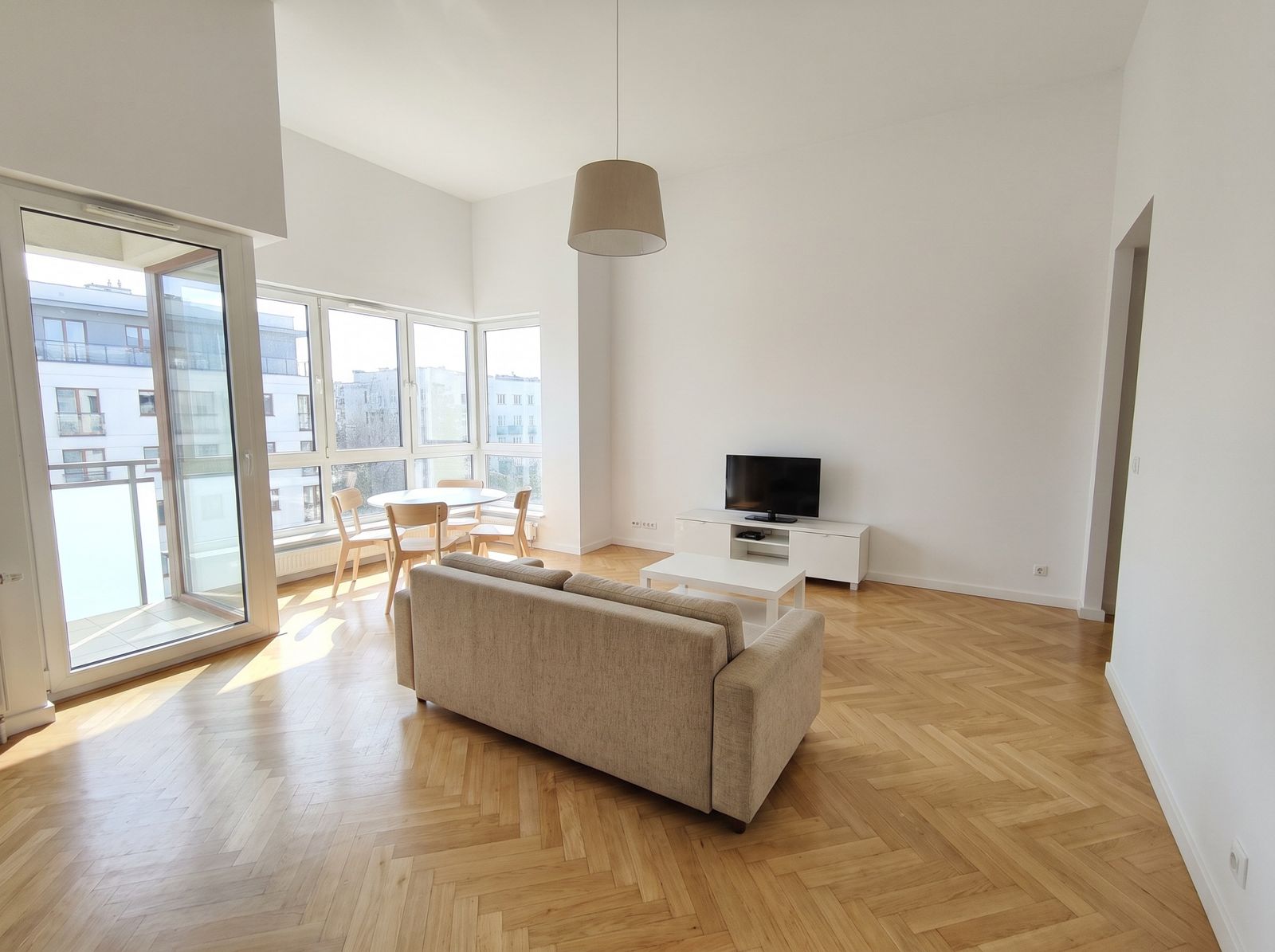
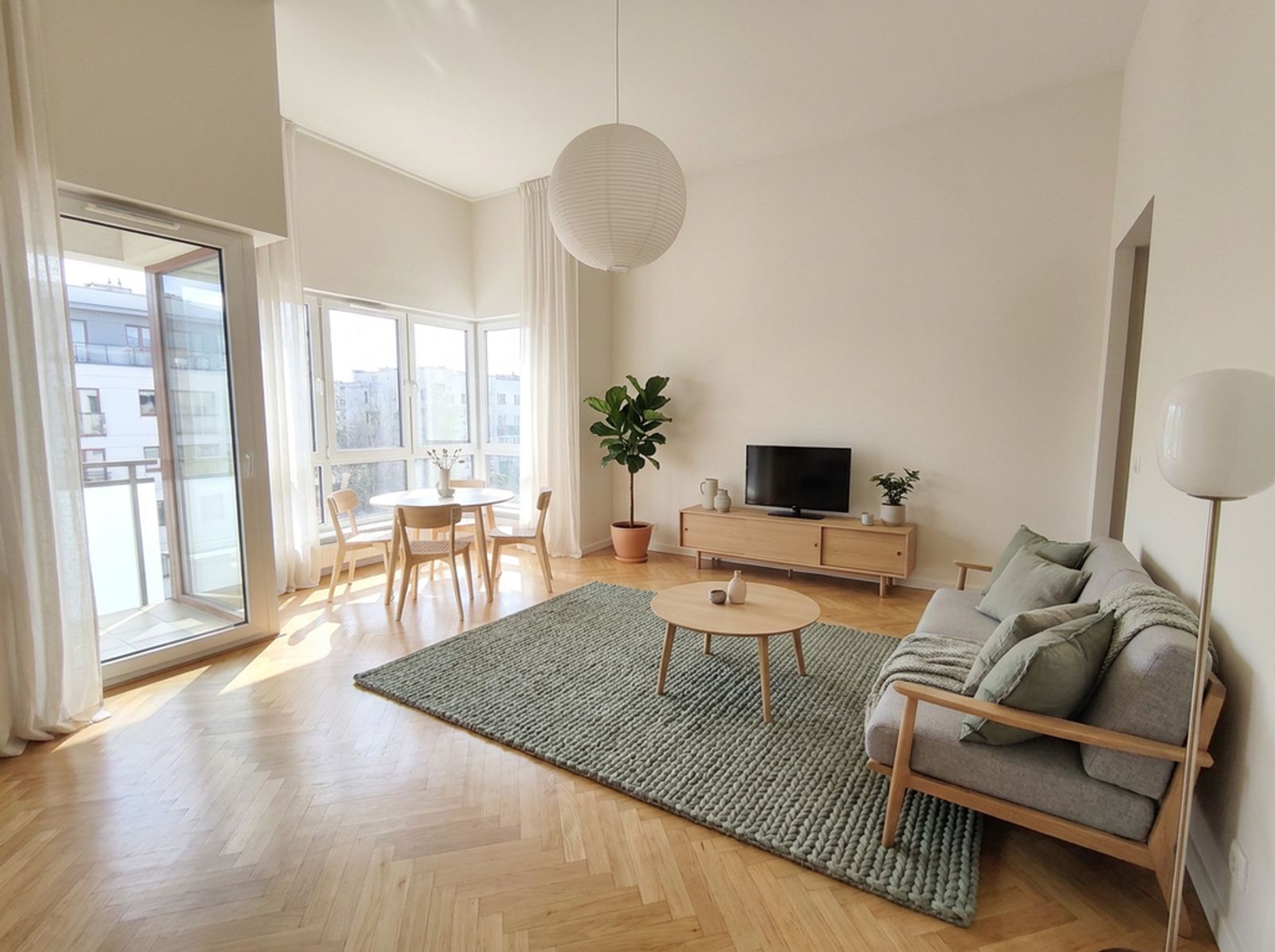
What is home staging?
Home staging prepares a property for sale or rent so it looks good in photos and viewings: tidy, neutral colours, furniture that shows what each room is for and how big it is. Virtual staging does the same on the photos only — no furniture to carry in.
When virtual staging makes sense
- An empty flat — buyers cannot see where a bed or table would go.
- A furnished flat with tired or mismatched furniture.
- Remote listings: people see the photos first and visit later.
- New-build flats sold unfinished.
How to do it in Redomium
- Upload the listing photos.
- Pick a style for the whole room, or select a spot and type what to add (“sofa under the window”, “double bed against the wall”).
- Carry the same changes over to other photos of that room.
- Download 4K photos or a before-and-after film for the listing.
Being honest with buyers
Label staged photos as visualisations and show the current state next to them. Do not change what cannot be changed: windows, the view, ceiling height, defects. Redomium does not move windows, doors or walls — it changes furniture, colours and decor.
For agents and developers
Studio plans give more credits, a client link with variants to compare, a PDF presentation and your logo on the materials. See pricing on the home page.
How to do it on your own photo
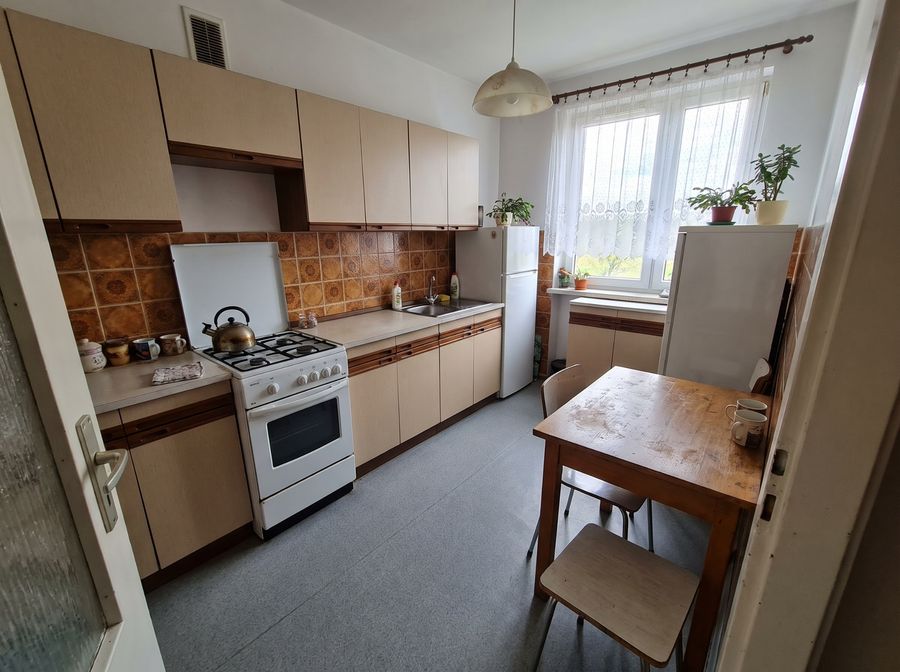
Add a photo
Take one with your phone or pick a sample room.
Describe the changes
Select the cabinets, a wall or the floor and type what should change.
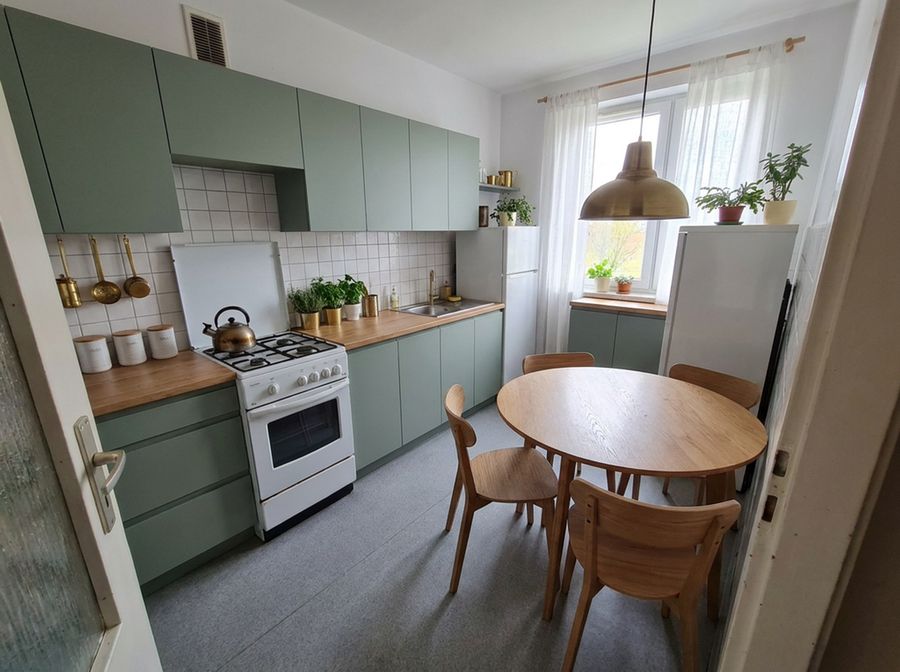
See the result
Compare variants, download 4K images and a shopping list.
FAQ
How much does virtual staging cost in Redomium?
You can start free, without an account. One AI change to a photo is 1 credit, a 4K export is 1 credit; before-and-after films use no credits. Packs and plans are on the pricing page.
Can I use the photos in a listing?
Yes. It is good practice to label them as visualisations so buyers know what is really in the property.
Will windows or the view change?
No. When the style changes, windows, doors, built-ins and perspective stay in place — furniture, colours and decor change.
See also
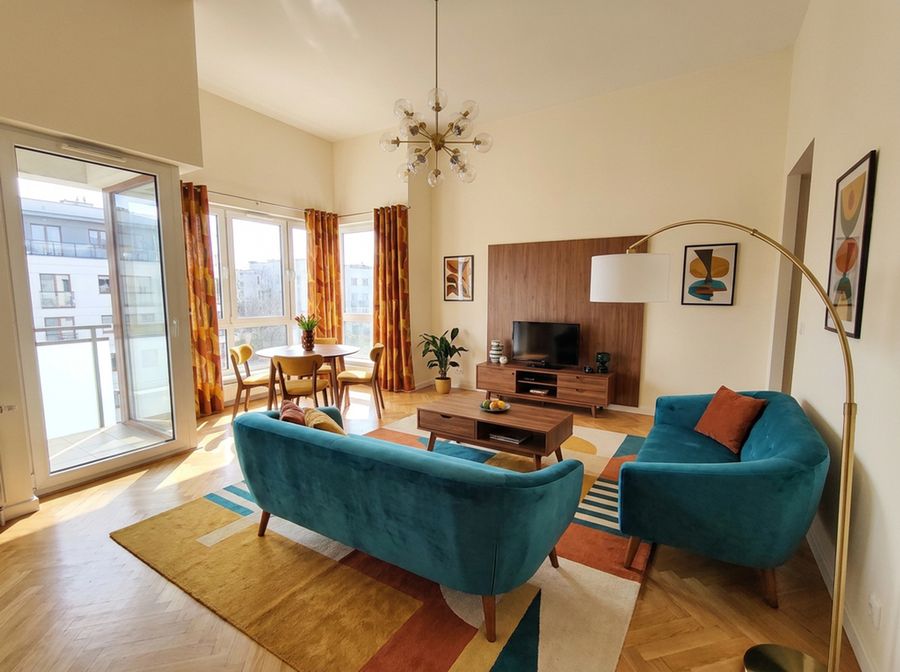 Living room designFurniture layout, measurements, colours and light. Upload a photo of your living room and try changes on it before buying anything.
- Kitchen designChange cabinet fronts, worktop, tiles and wall colour on a photo of your kitchen. See the result before ordering.
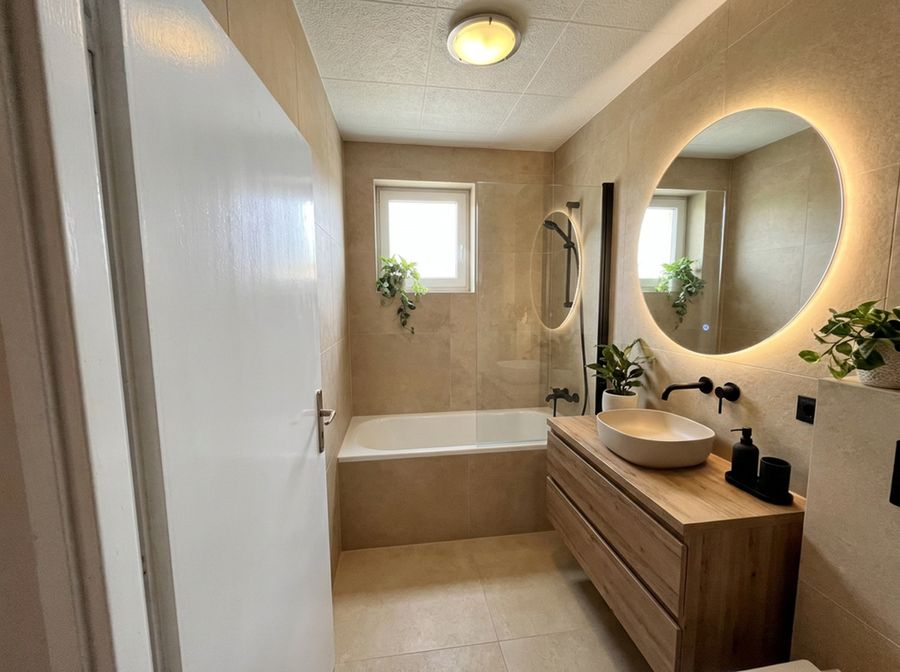 Bathroom designChange tiles, vanity, taps and colours on a real photo. Check the combination works before buying tiles.
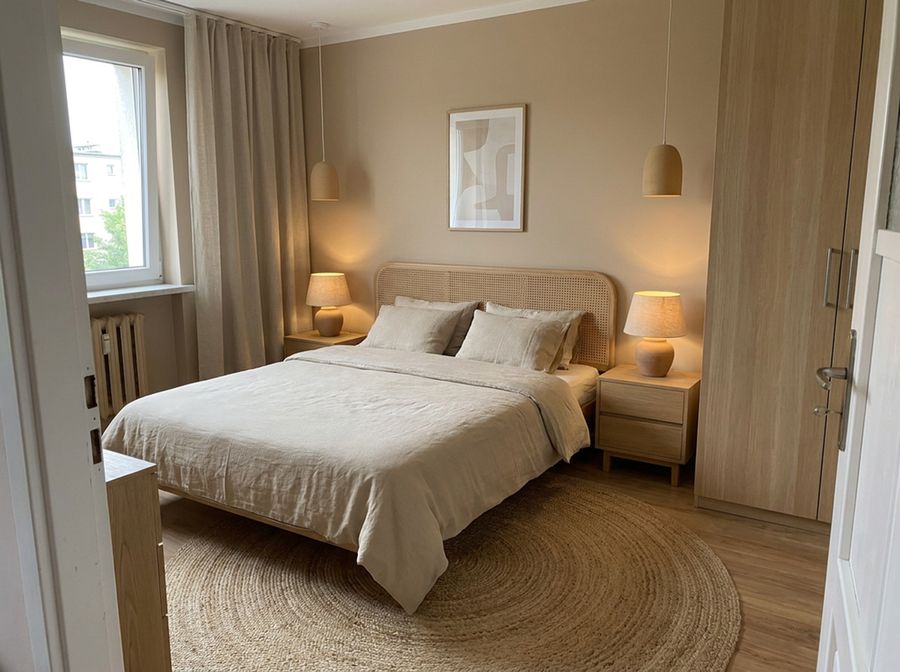 Bedroom designCalm colours, a good bed and storage. Try new colours and furniture on a photo of your bedroom.
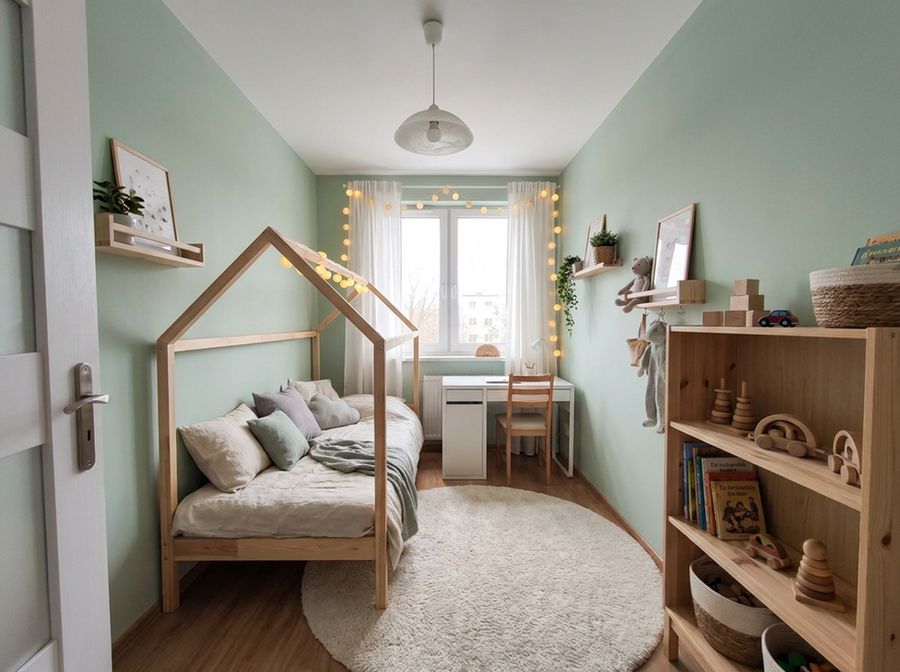 Kids’ roomSleep, study and play in one room. See new colours and furniture on the photo before you start.
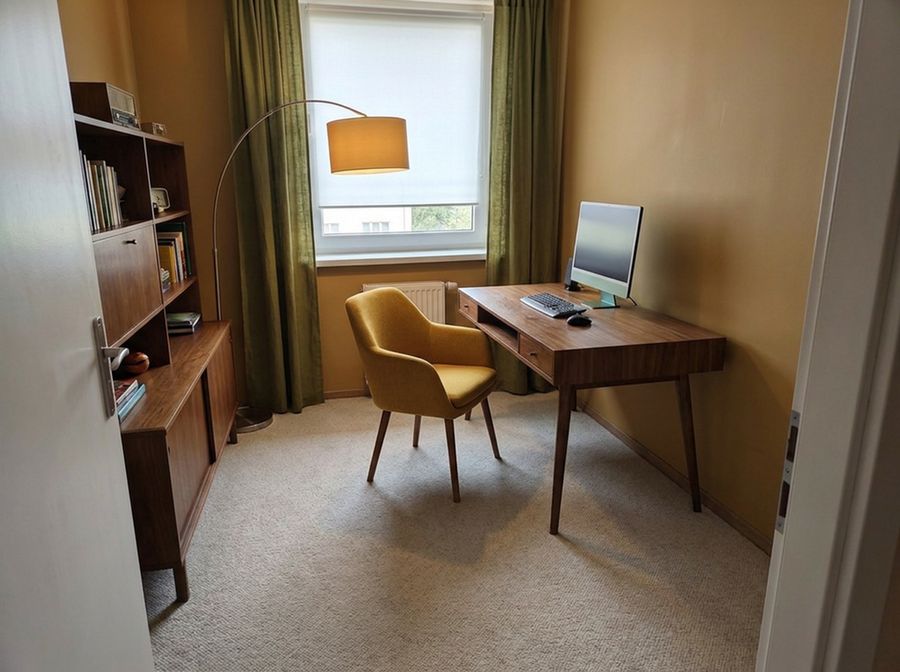 Home officeA comfortable desk, good light and tidy shelves. Try the changes on a photo of your office.
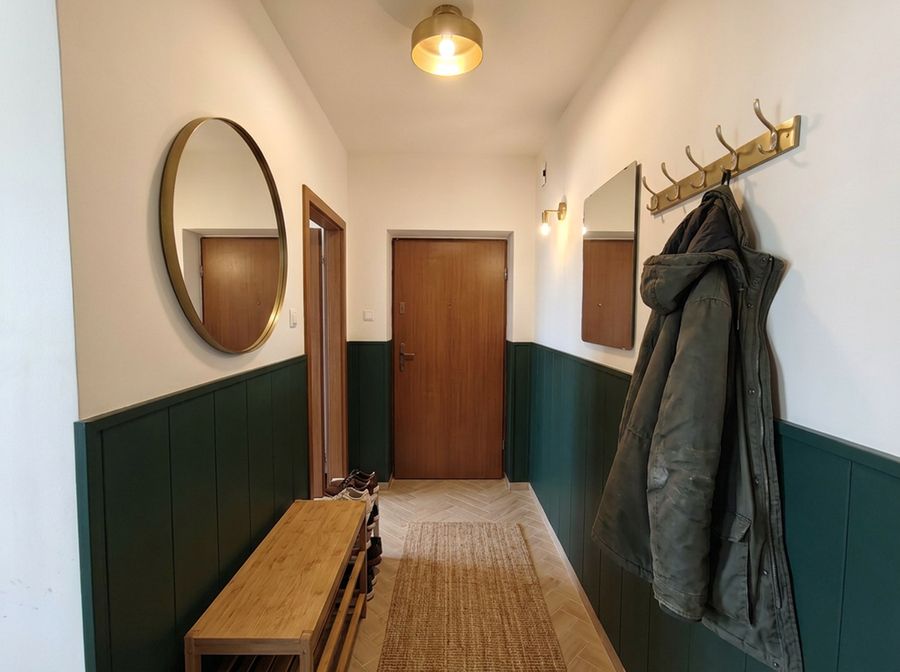 Hallway designA narrow hall can be practical and good-looking. Try colours, a wardrobe and a mirror on a photo of your hallway.