Bedroom design How to design a bedroom — see the changes on your photo
Calm colours, a good bed and storage. Try new colours and furniture on a photo of your bedroom.
Free, no account — results in about a minute.
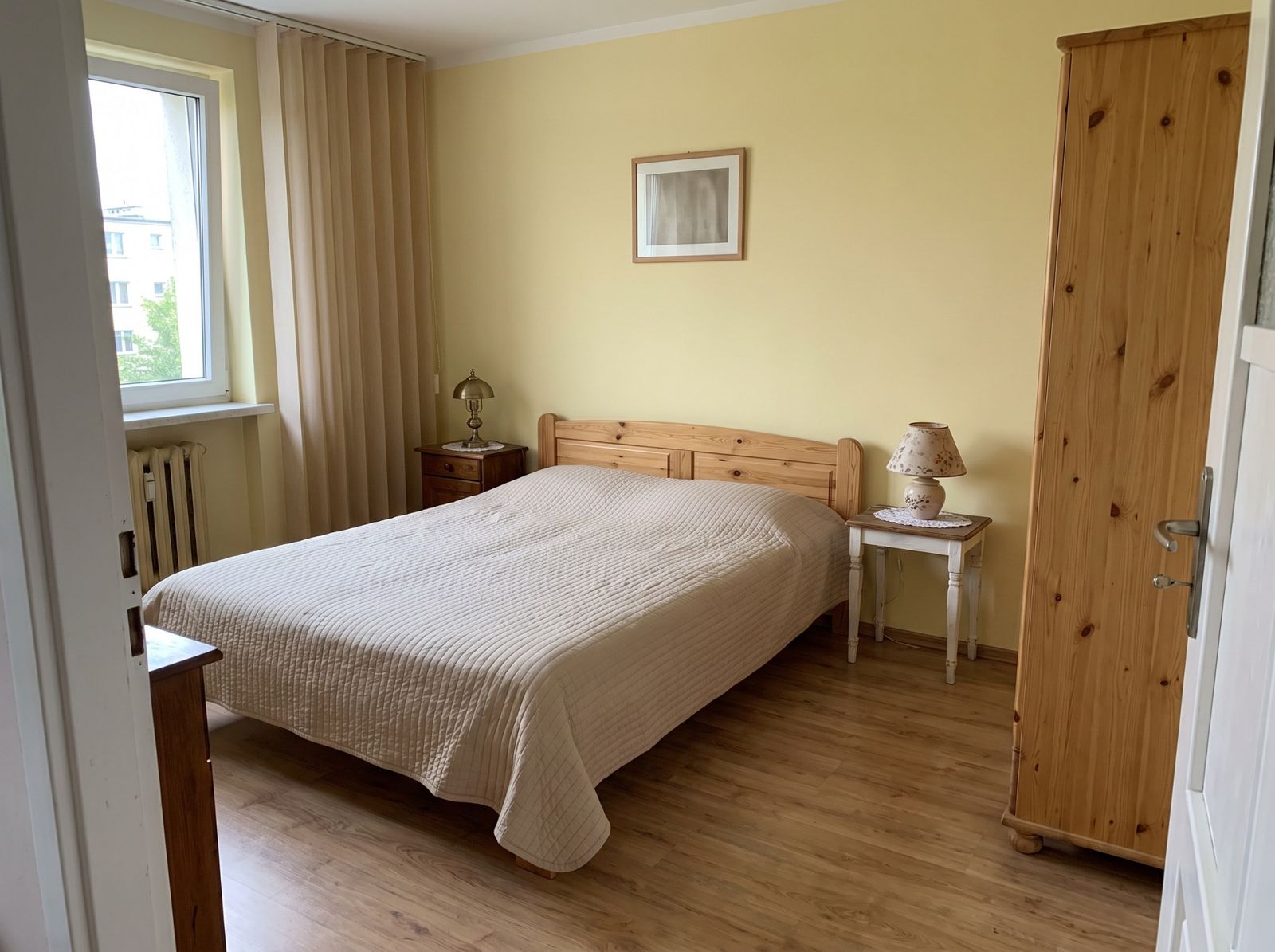
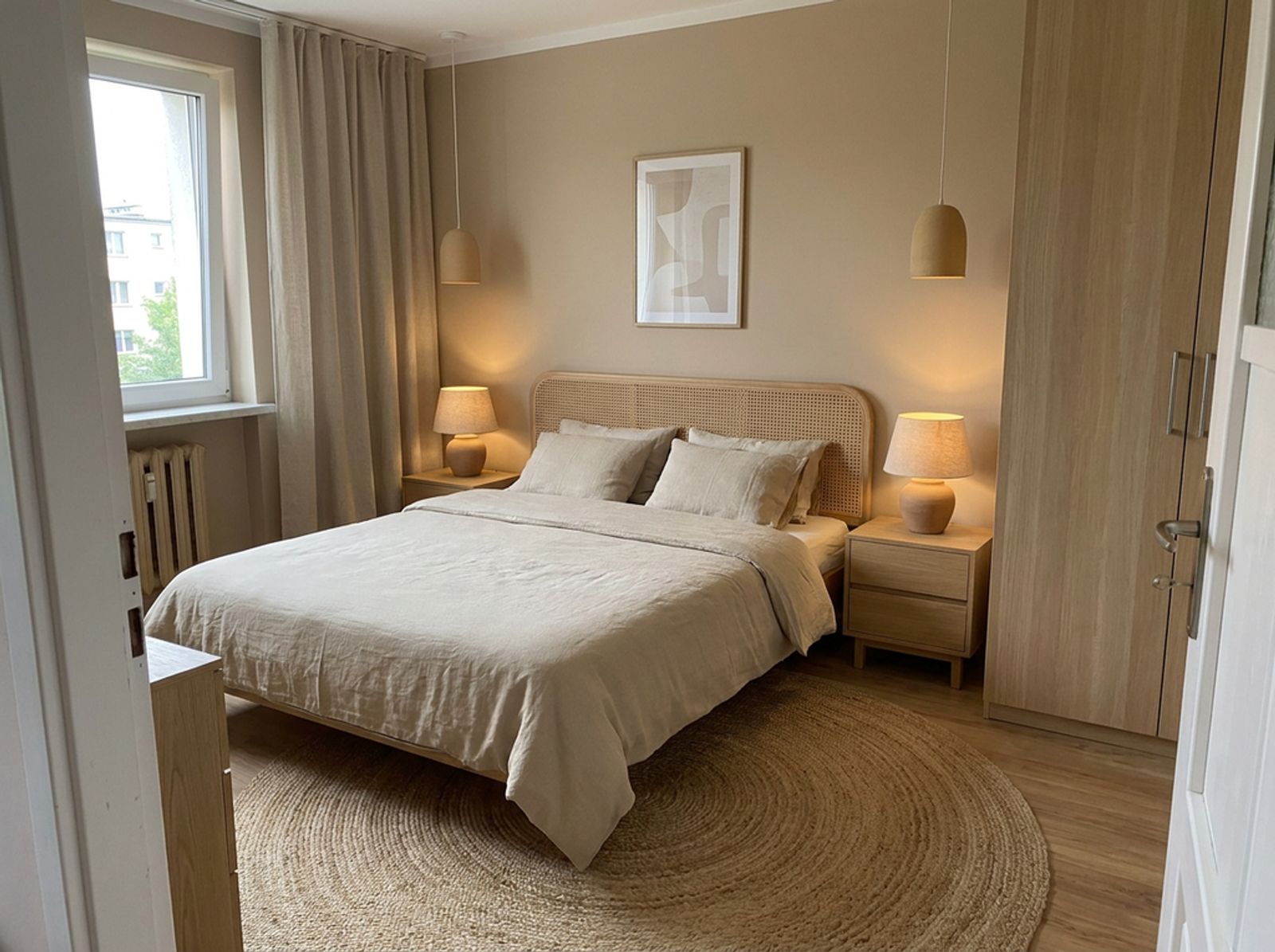
Bed and spacing
- Leave about 60–70 cm on both sides of the bed.
- In front of a wardrobe you need about 70 cm to open doors and drawers.
- Place the headboard against a wall, not under a window.
Colours
Muted warm colours work well: beige, sage, dusty blue, warm grey. Put a stronger colour on the wall behind the bed.
Storage
A floor-to-ceiling wardrobe, a bed with storage and bedside tables with drawers keep things tidy. In a small bedroom choose sliding wardrobe doors.
Lighting
Warm light (about 2700 K), bedside lamps or wall lights with their own switches, and blackout curtains.
How to do it on your own photo
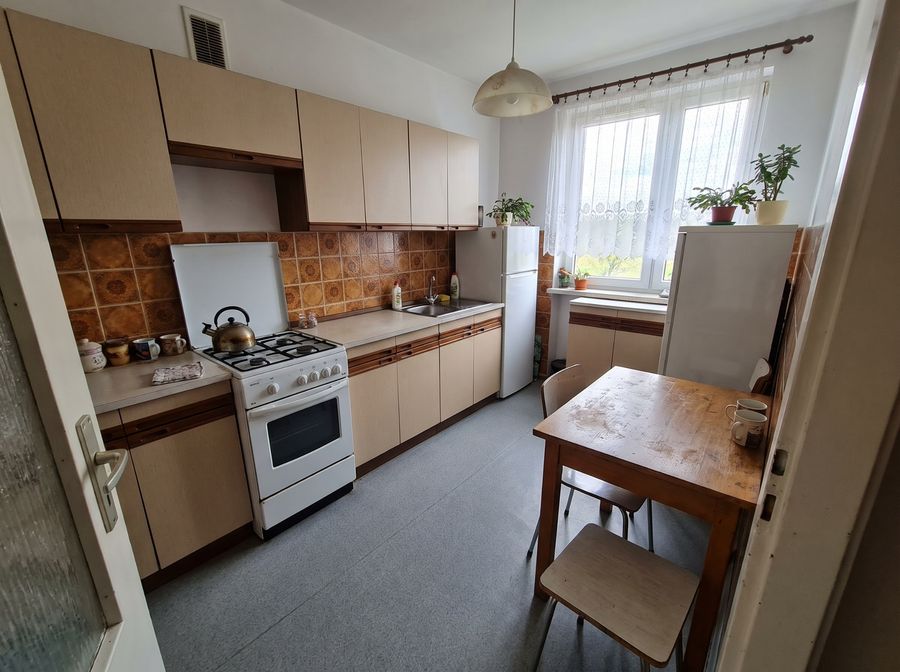
Add a photo
Take one with your phone or pick a sample room.
Describe the changes
Select the cabinets, a wall or the floor and type what should change.
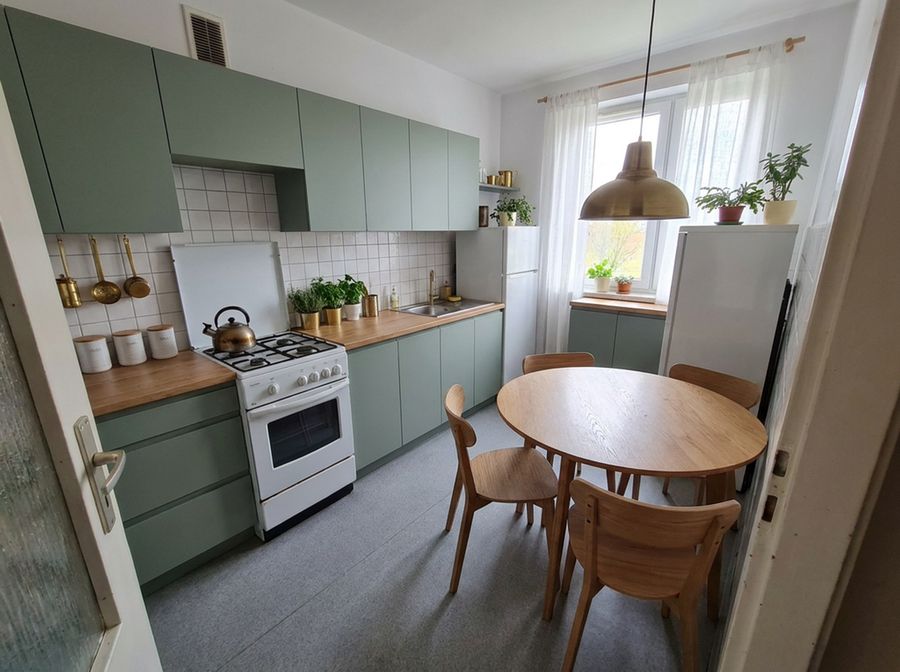
See the result
Compare variants, download 4K images and a shopping list.
FAQ
How do I design a bedroom online?
Upload a photo of your bedroom to Redomium and pick a style, or select an element — wall, bed, curtains — and type what to change.
What wall colour for a bedroom?
Most people choose calm warm colours. Try several RAL colours on your photo — they appear instantly and use no credits.
Will the wardrobe fit?
Draw the bedroom in Plan mode and add the wardrobe: the planner checks the space in front of it and the walkways by the bed.
See also
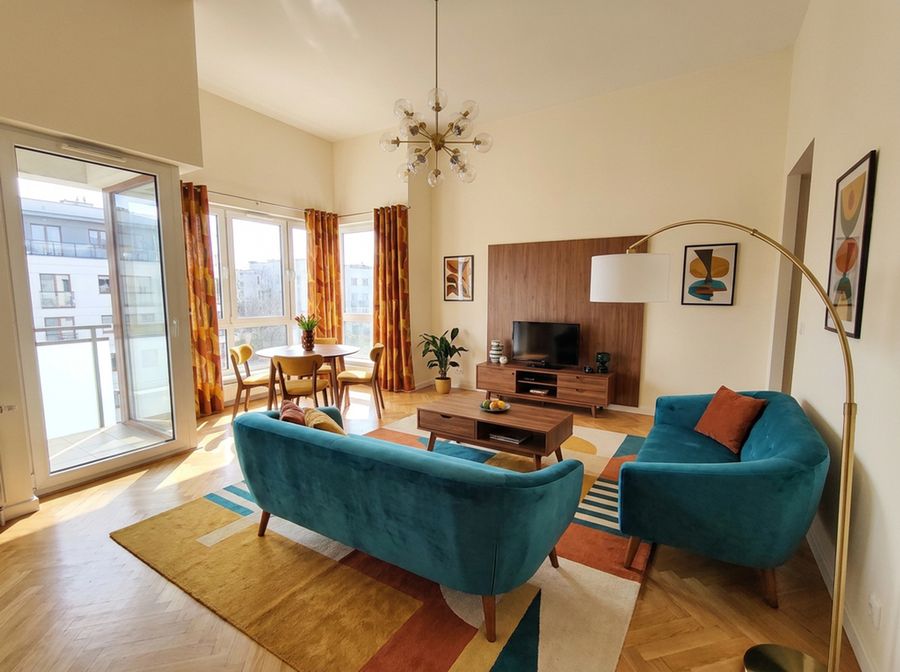 Living room designFurniture layout, measurements, colours and light. Upload a photo of your living room and try changes on it before buying anything.
- Kitchen designChange cabinet fronts, worktop, tiles and wall colour on a photo of your kitchen. See the result before ordering.
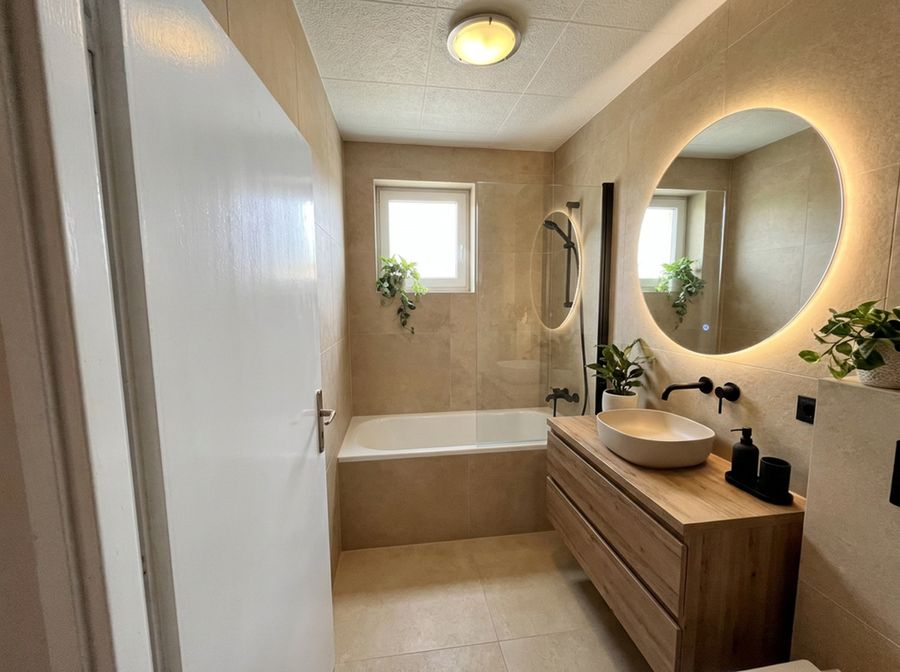 Bathroom designChange tiles, vanity, taps and colours on a real photo. Check the combination works before buying tiles.
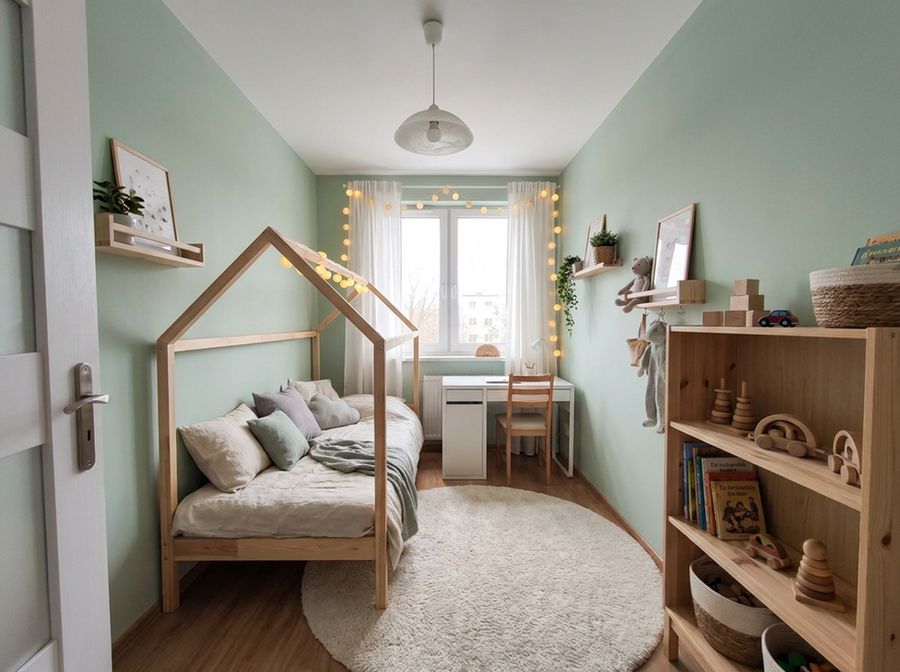 Kids’ roomSleep, study and play in one room. See new colours and furniture on the photo before you start.
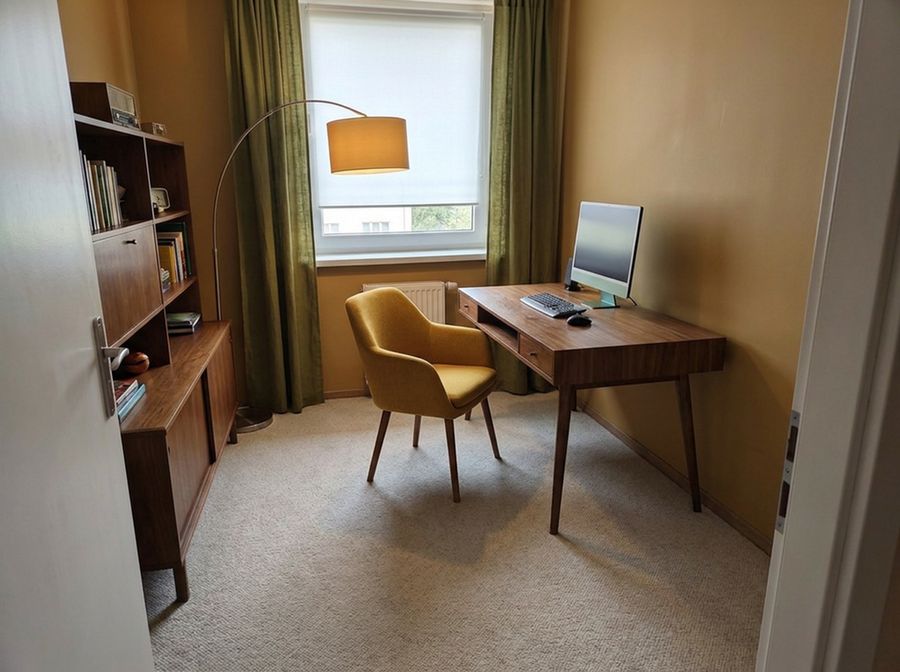 Home officeA comfortable desk, good light and tidy shelves. Try the changes on a photo of your office.
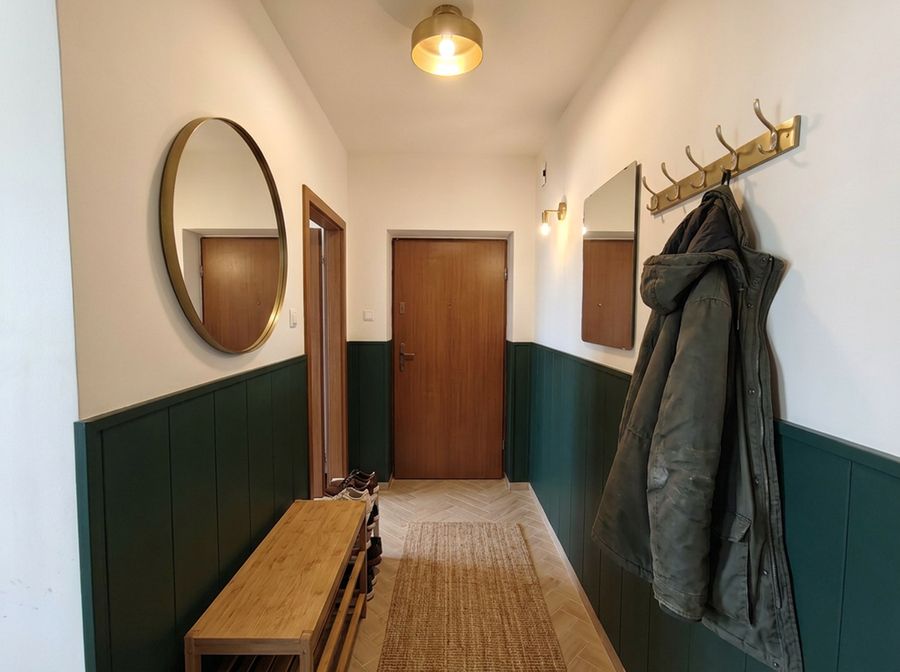 Hallway designA narrow hall can be practical and good-looking. Try colours, a wardrobe and a mirror on a photo of your hallway.