Living room design How to design a living room — and see it before you buy
Furniture layout, measurements, colours and light. Upload a photo of your living room and try changes on it before buying anything.
Free, no account — results in about a minute.
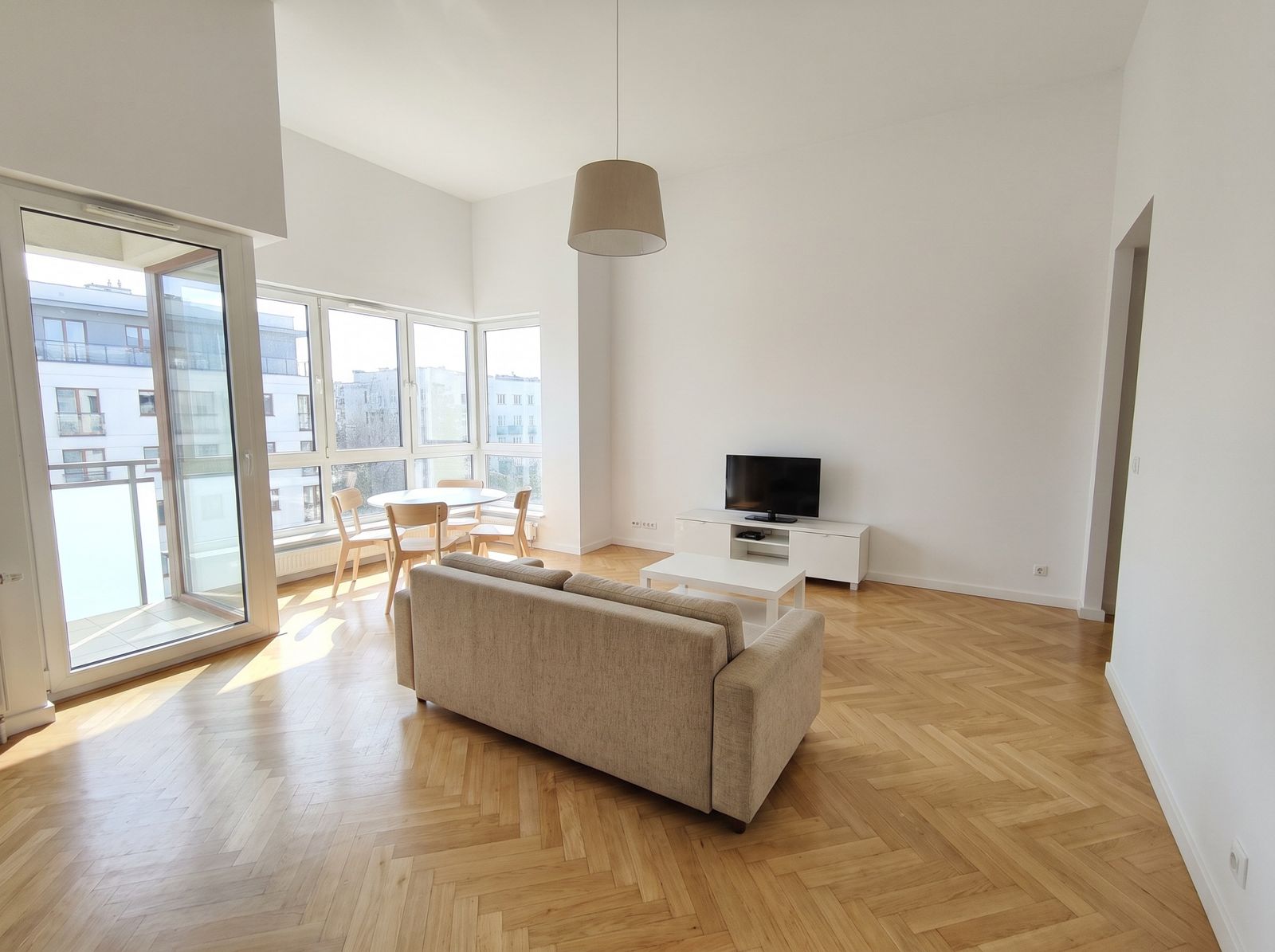
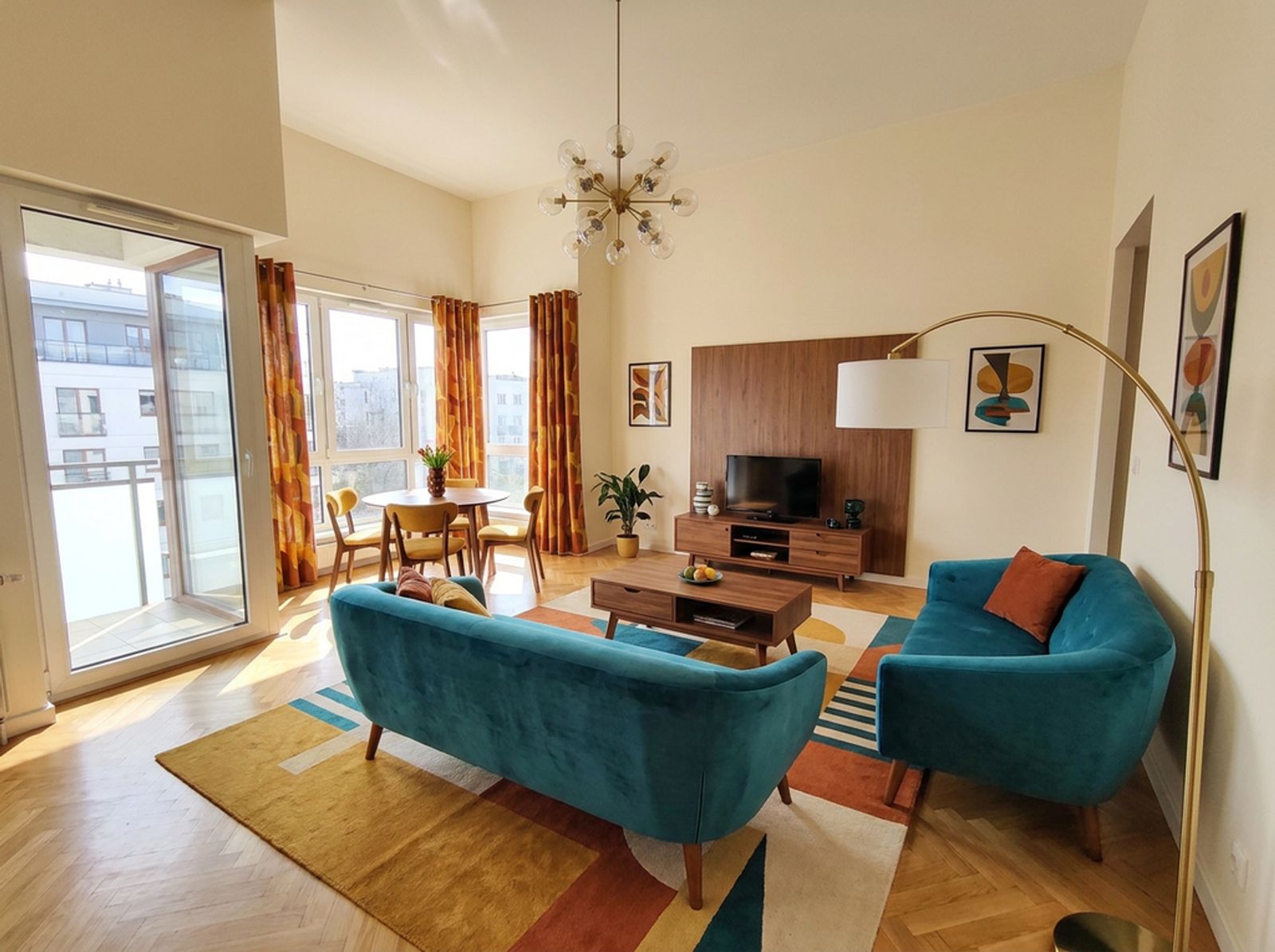
Where to start
Start with how you use the room: films, conversation at the table, work, children playing. Then pick a focal point — a window with a view, the TV or a fireplace — and arrange the sofa and armchairs around it.
Measurements worth remembering
- Between sofa and coffee table: about 40–50 cm.
- Main walkways: at least 70–90 cm.
- Rug: the front legs of the sofa and armchairs should stand on it.
- TV: the viewing distance depends on size and resolution — for 4K usually about 1–1.5 × the diagonal.
Colours and materials
The 60/30/10 rule is a safe start: 60% base colour (walls, large surfaces), 30% secondary (sofa, curtains, rug) and 10% accent (cushions, decor). If you hesitate between two wall colours, try both on your photo — RAL colours appear in Redomium instantly.
Lighting
One ceiling light is not enough. Plan three layers: general (ceiling), task (a reading lamp by the armchair) and mood (table lamps, LED strips). Choose warm light, about 2700–3000 K.
Small living rooms and open-plan kitchens
- In a small room choose a sofa on legs and light walls — the room looks bigger.
- Separate an open kitchen with a rug, an island or a pendant over the table rather than a wall.
- Repeat one material (e.g. wood) in kitchen and living room so it feels like one space.
How to do it on your own photo
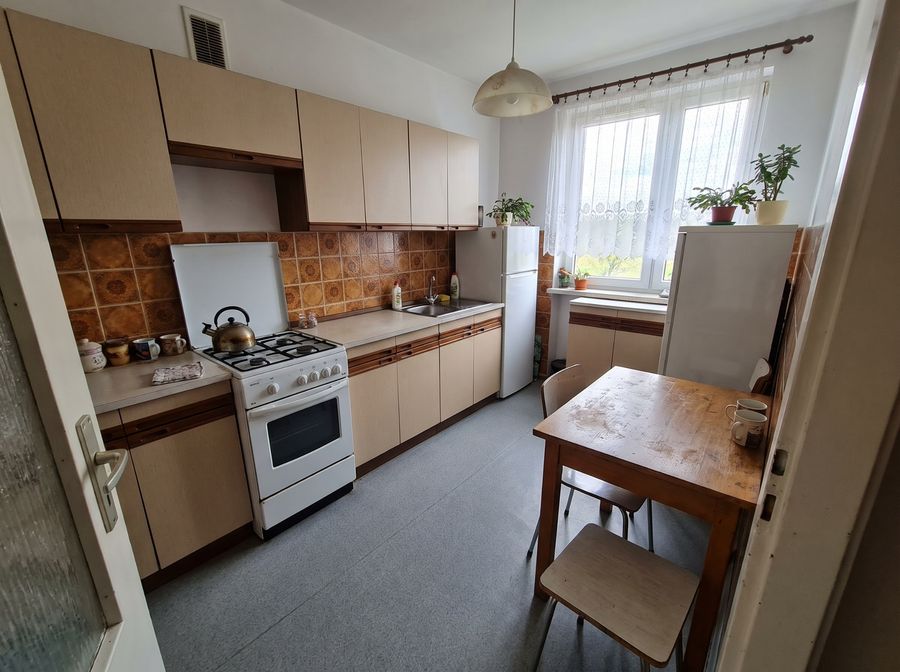
Add a photo
Take one with your phone or pick a sample room.
Describe the changes
Select the cabinets, a wall or the floor and type what should change.
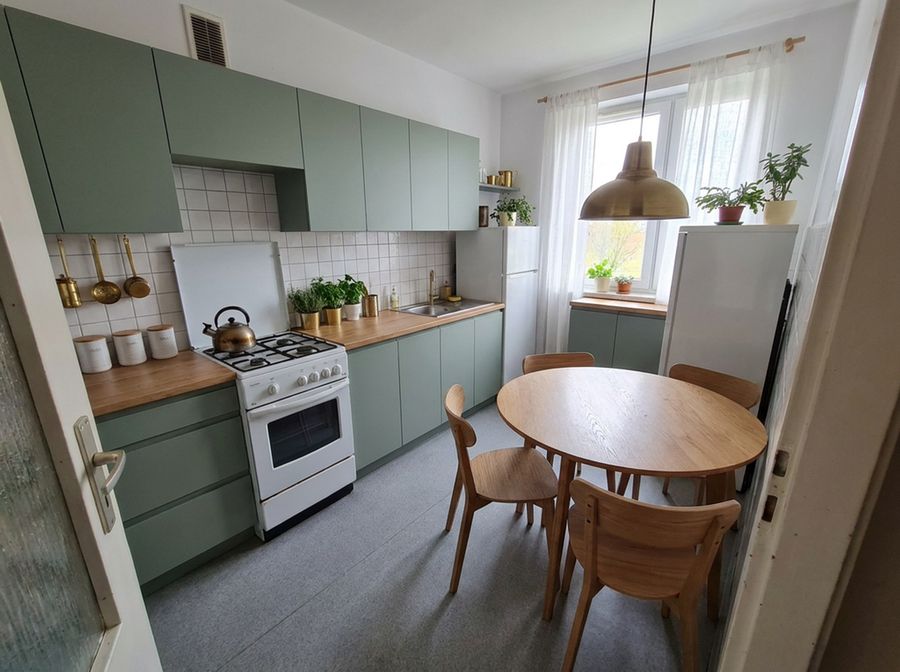
See the result
Compare variants, download 4K images and a shopping list.
FAQ
How do I design a living room online?
Upload a photo of your living room to Redomium. Change the style of the whole room in one click, or select one piece of furniture or a wall and type what to change. The rest of the photo stays as it was.
Can I place a specific sofa from a shop?
Yes. Pick a product from the catalogue or paste a product link from a shop — you see it on the photo and on the shopping list with its price.
Are the measurements exact?
Measurements from a photo are approximate (a few per cent off). Check key ones with a tape measure, or draw the floor plan in Plan mode.
See also
- Kitchen designChange cabinet fronts, worktop, tiles and wall colour on a photo of your kitchen. See the result before ordering.
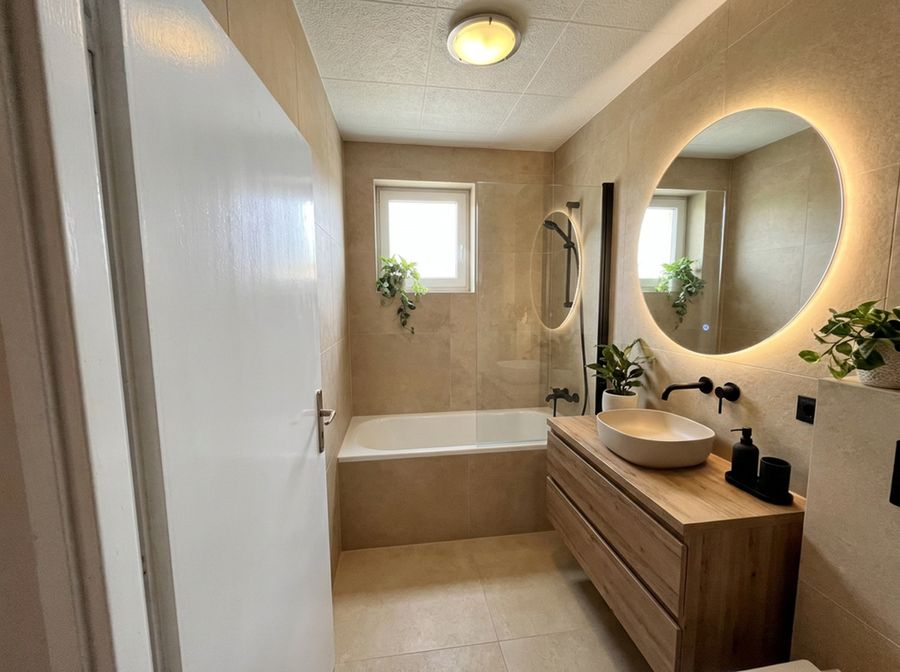 Bathroom designChange tiles, vanity, taps and colours on a real photo. Check the combination works before buying tiles.
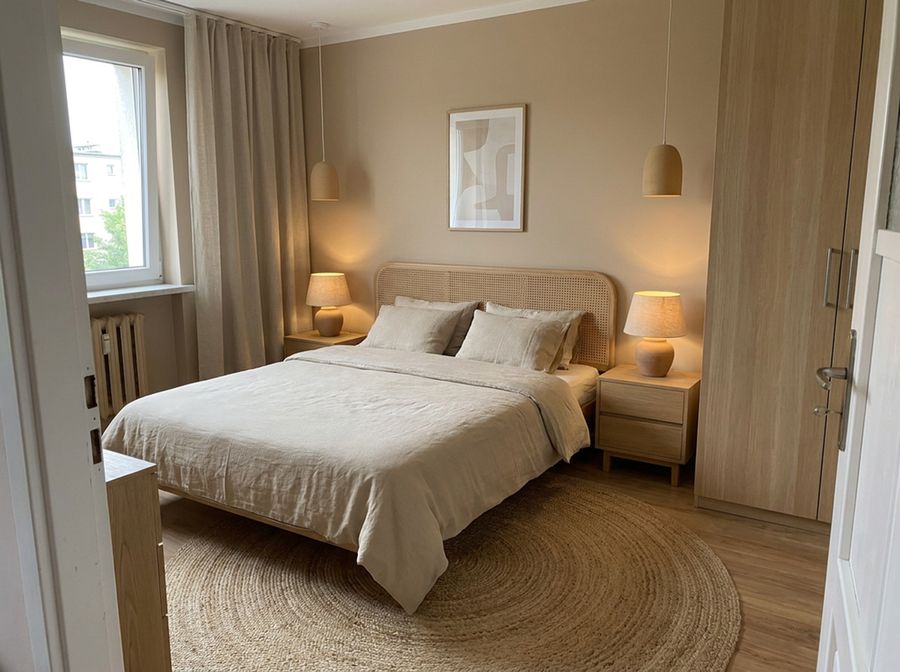 Bedroom designCalm colours, a good bed and storage. Try new colours and furniture on a photo of your bedroom.
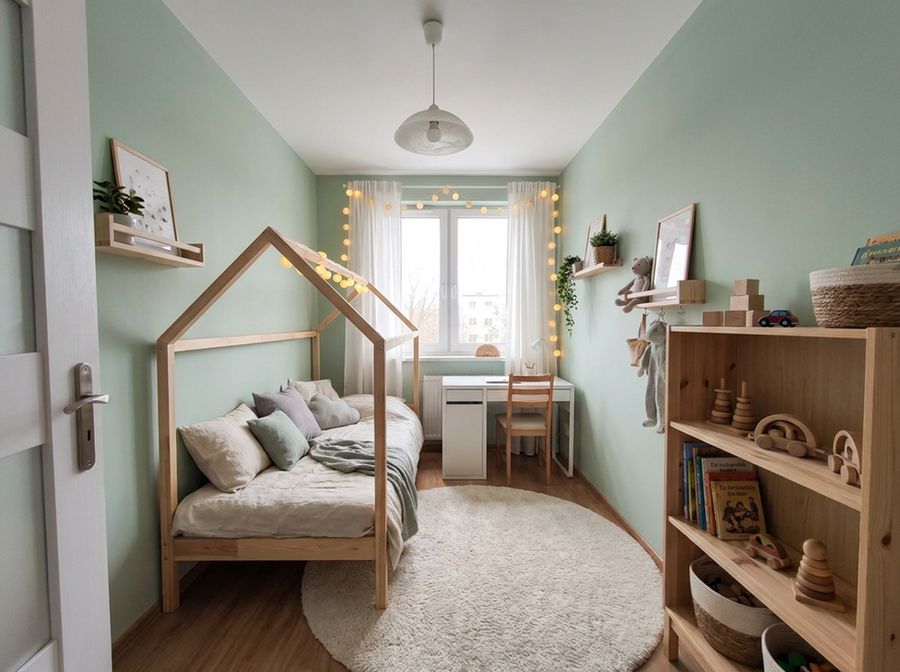 Kids’ roomSleep, study and play in one room. See new colours and furniture on the photo before you start.
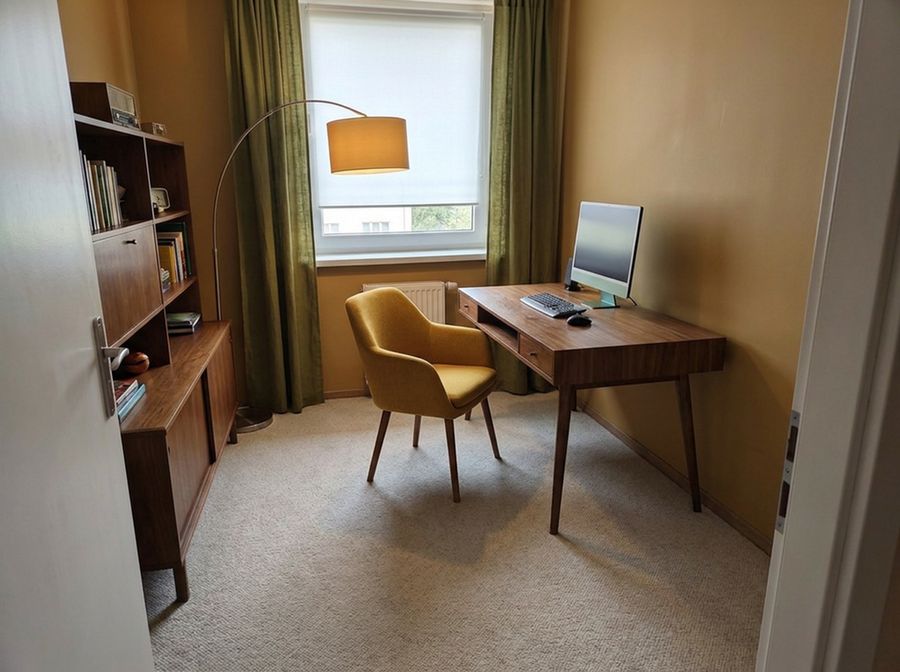 Home officeA comfortable desk, good light and tidy shelves. Try the changes on a photo of your office.
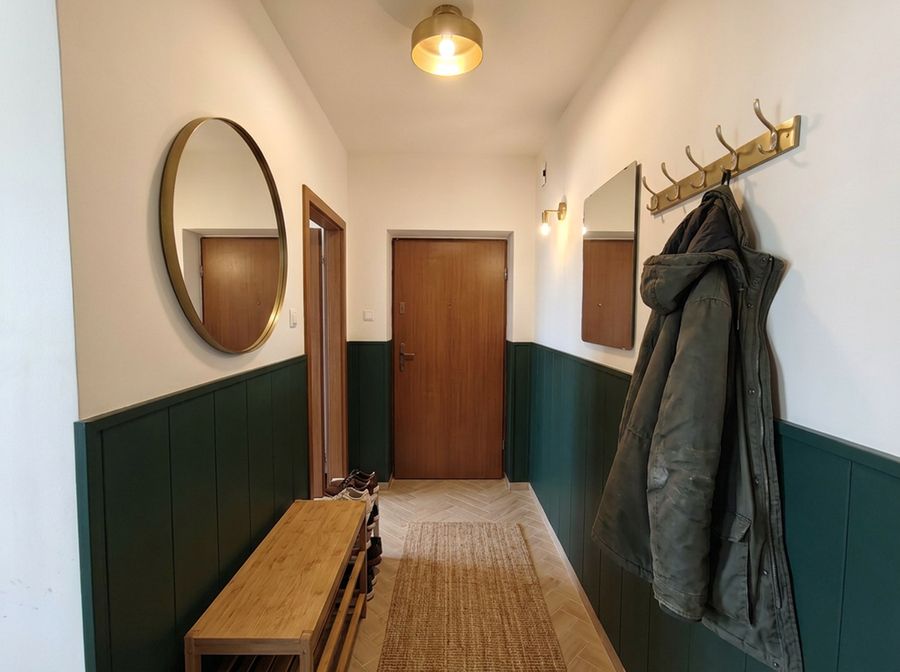 Hallway designA narrow hall can be practical and good-looking. Try colours, a wardrobe and a mirror on a photo of your hallway.