Home office Home office design — see it on your own photo
A comfortable desk, good light and tidy shelves. Try the changes on a photo of your office.
Free, no account — results in about a minute.
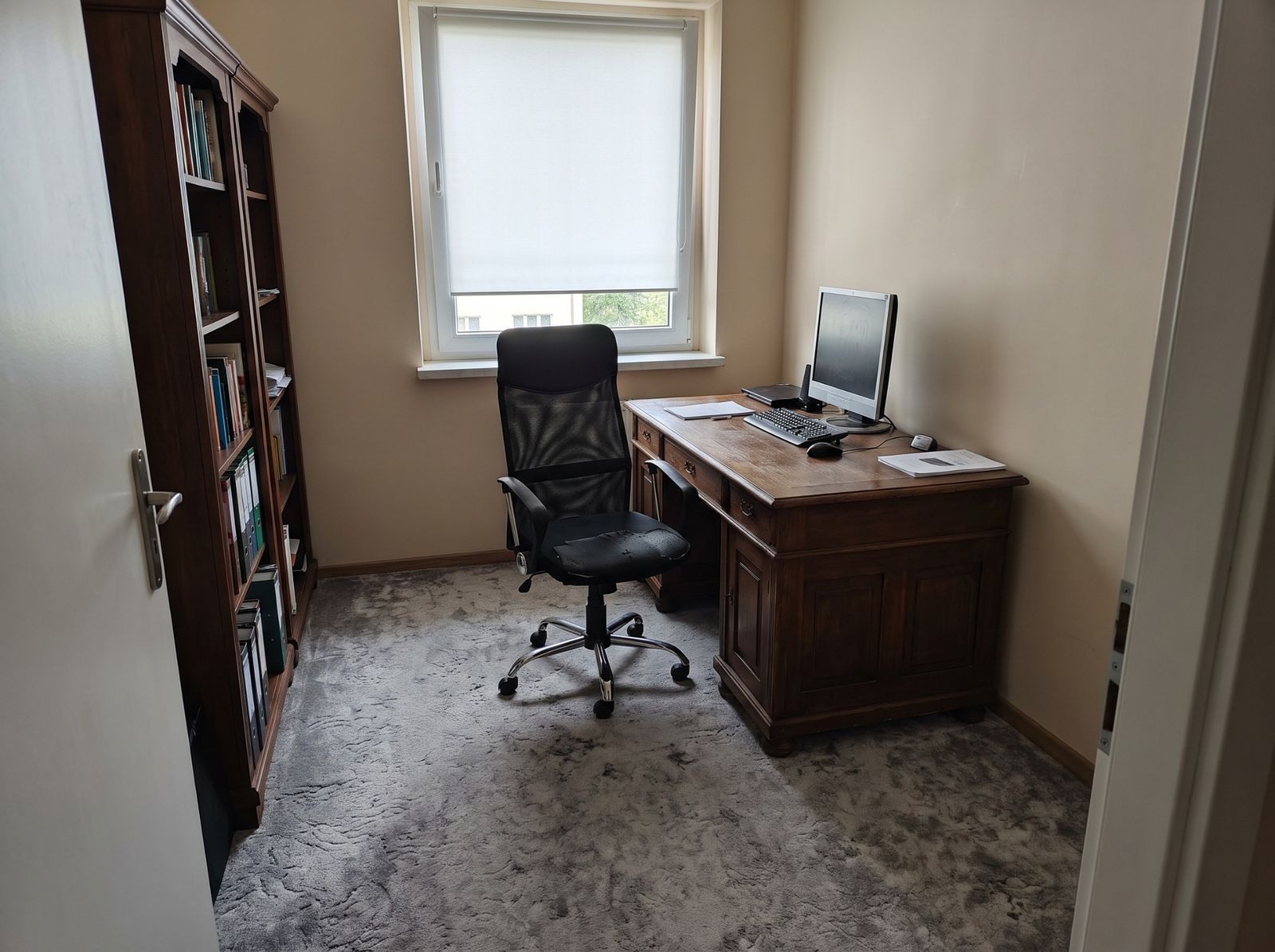
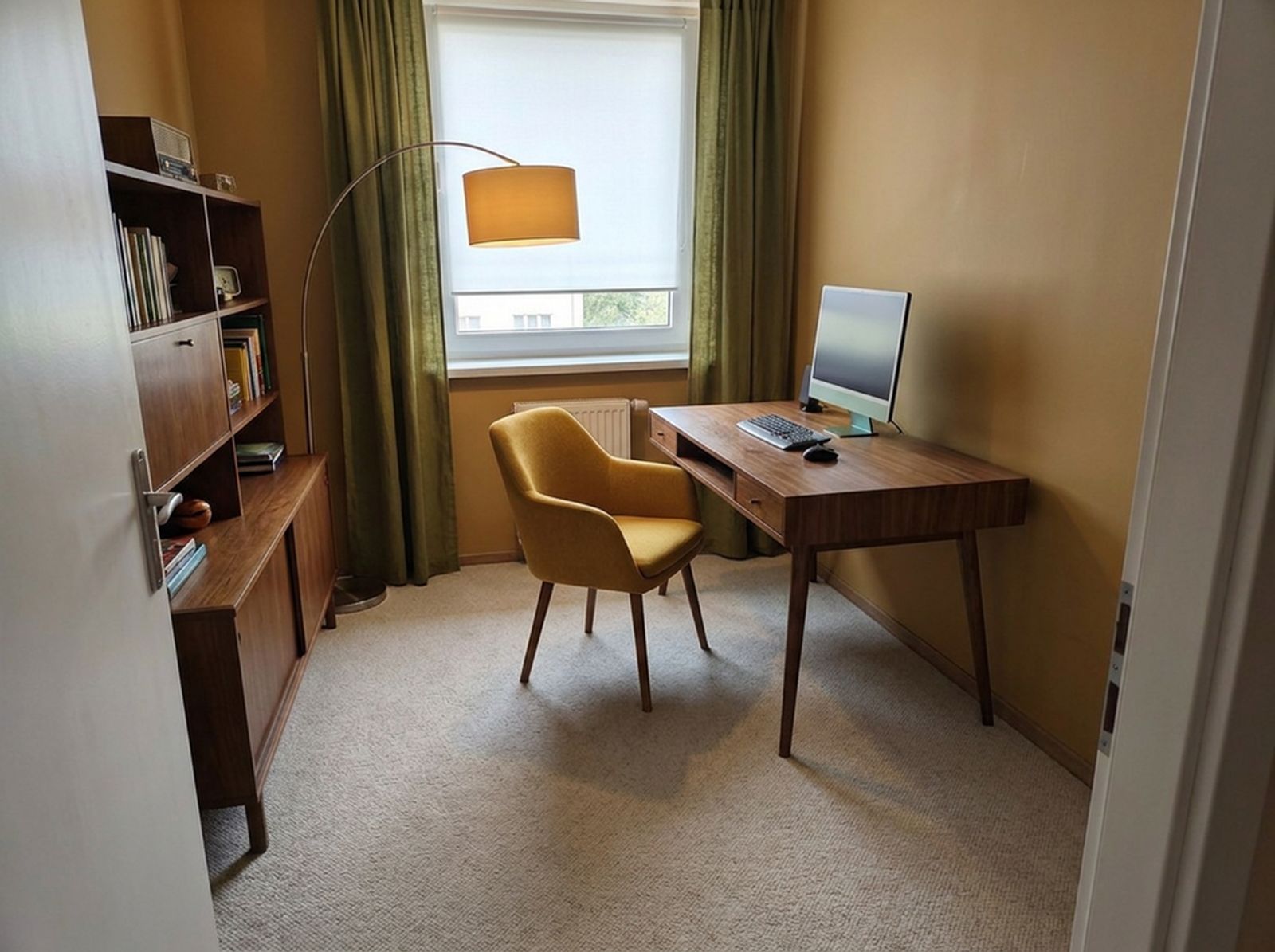
Desk and chair
- A desk at least about 70 cm deep, so the monitor sits at a comfortable distance.
- Leave about 75–100 cm behind the desk to pull the chair out.
- A chair with adjustable height and back.
Light
Put the desk side-on to the window so the screen does not reflect it. Add a desk lamp with neutral light for work.
Storage and your video-call background
Closed cabinets for papers, open shelves for a few books and plants. The wall behind you is your video-call background — worth some care.
How to do it on your own photo
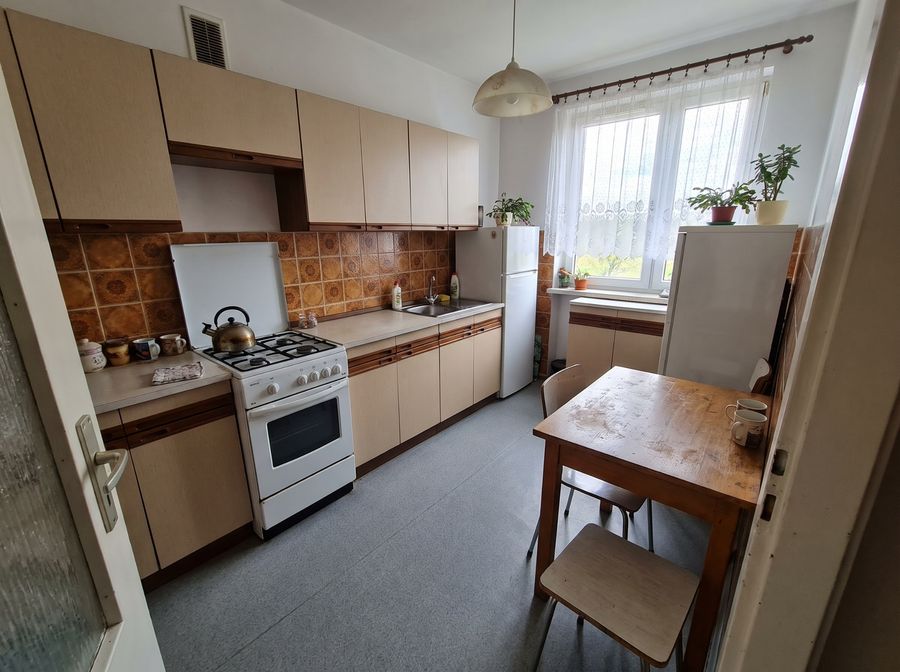
Add a photo
Take one with your phone or pick a sample room.
Describe the changes
Select the cabinets, a wall or the floor and type what should change.
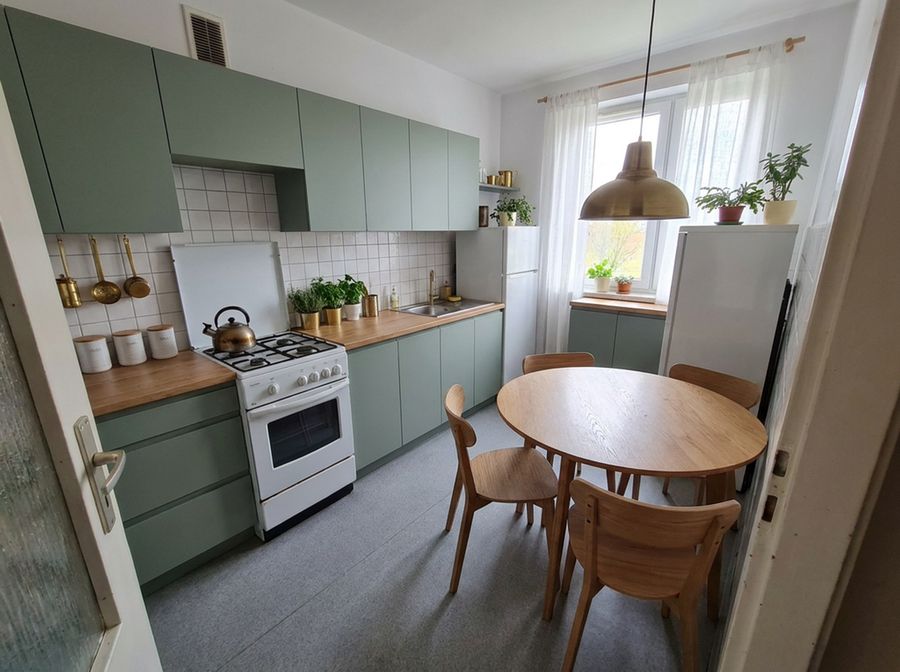
See the result
Compare variants, download 4K images and a shopping list.
FAQ
How do I fit a home office in a small flat?
An alcove or a corner of the living room is enough: a narrow desk, shelves above and a good lamp. Check the layout in Plan mode and the look on your photo.
Can I place a specific desk?
Yes — from the catalogue or from a shop product link. You see it on the photo and on the shopping list.
How long does one change take?
Usually 20–70 seconds.
See also
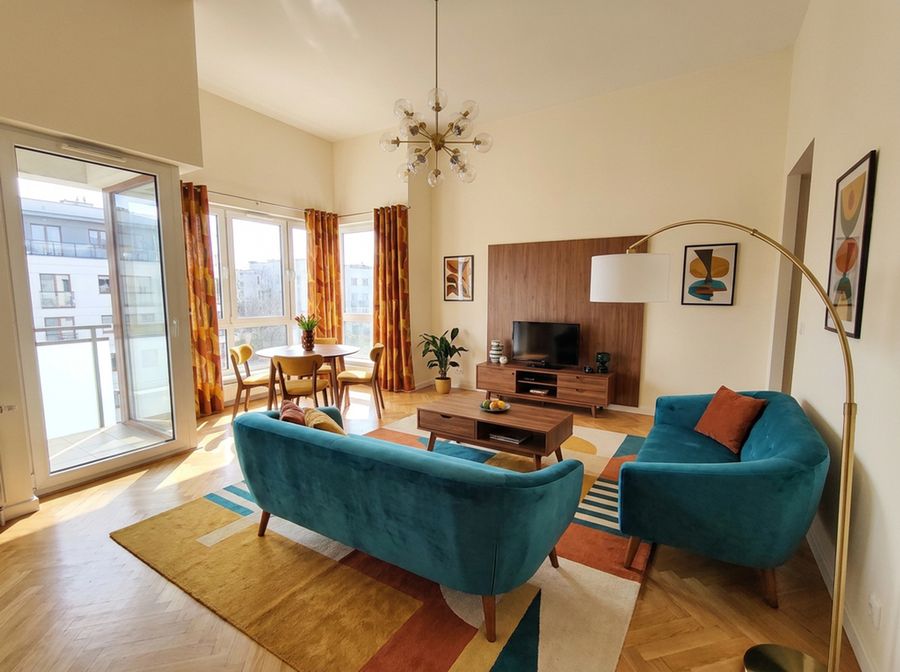 Living room designFurniture layout, measurements, colours and light. Upload a photo of your living room and try changes on it before buying anything.
- Kitchen designChange cabinet fronts, worktop, tiles and wall colour on a photo of your kitchen. See the result before ordering.
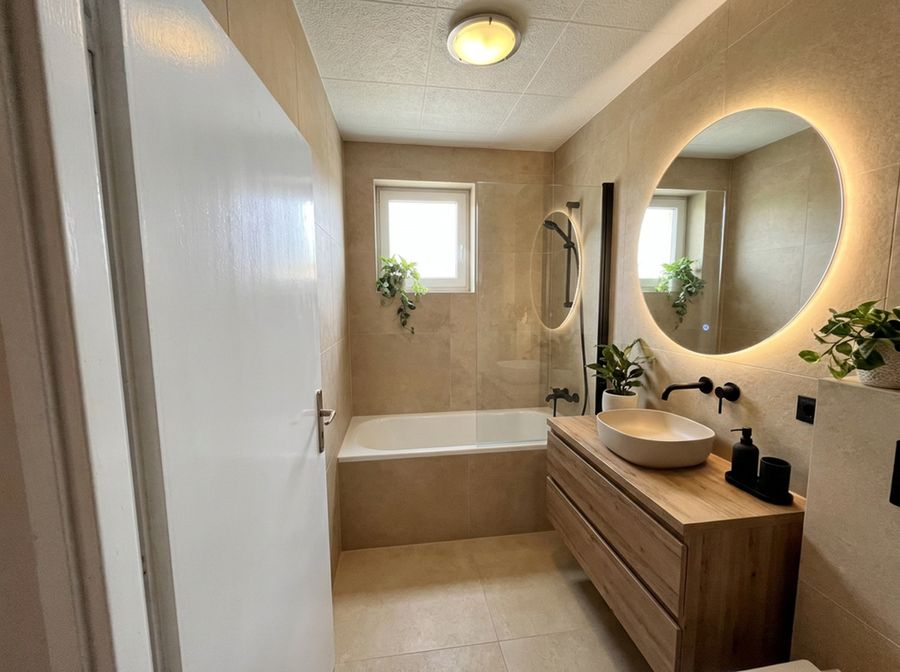 Bathroom designChange tiles, vanity, taps and colours on a real photo. Check the combination works before buying tiles.
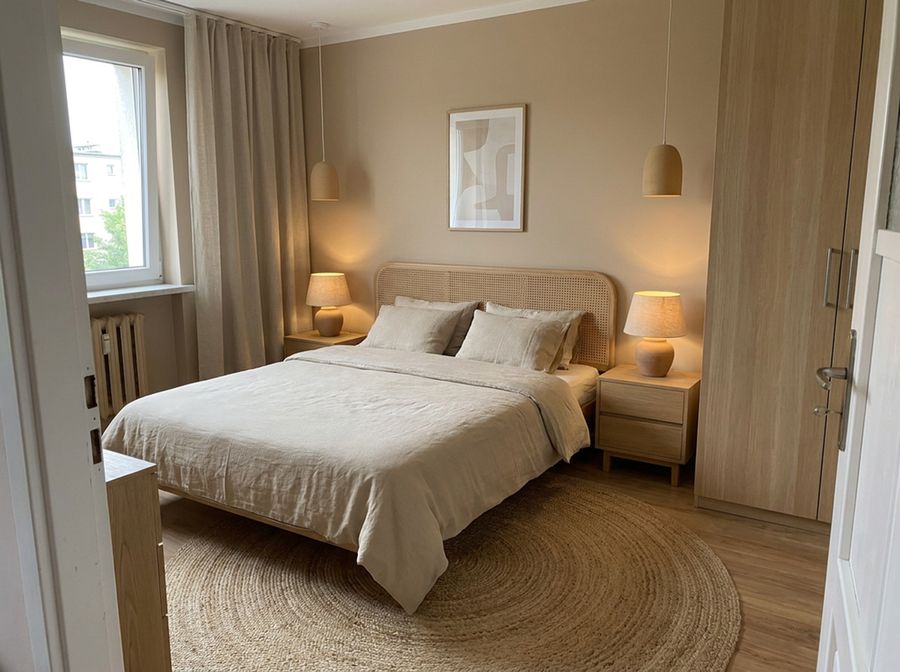 Bedroom designCalm colours, a good bed and storage. Try new colours and furniture on a photo of your bedroom.
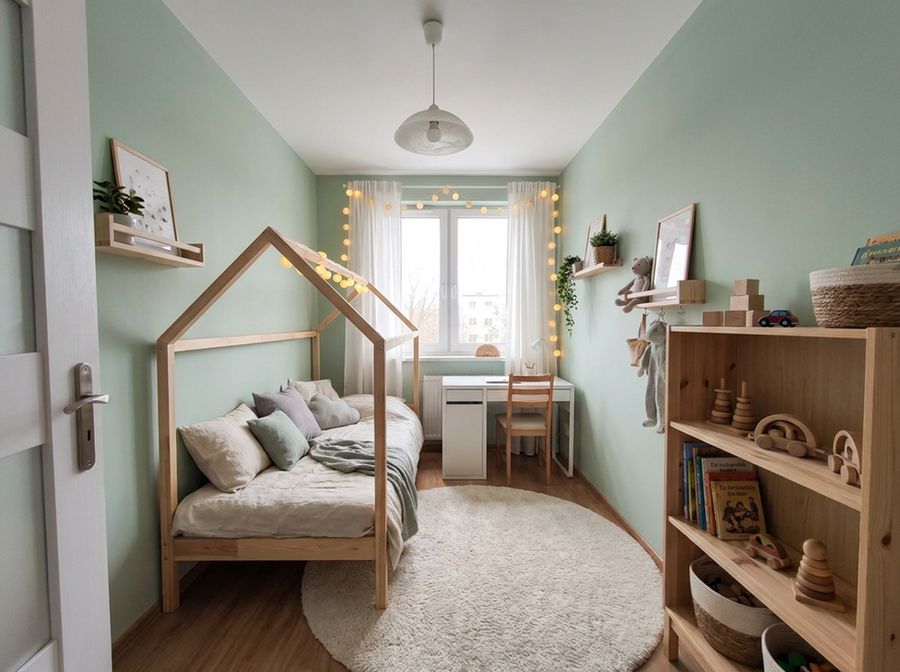 Kids’ roomSleep, study and play in one room. See new colours and furniture on the photo before you start.
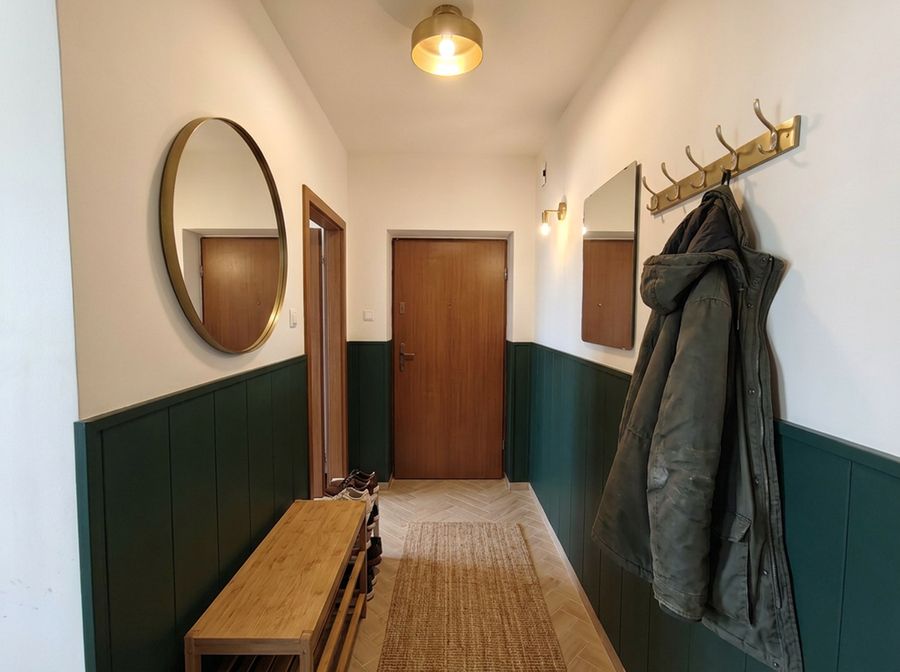 Hallway designA narrow hall can be practical and good-looking. Try colours, a wardrobe and a mirror on a photo of your hallway.