Visualisations from your own photo
Redesign your home.
Change furniture, colours, materials and style on a real photo of your room. Whatever you don’t touch stays as it was.
- Realistic visualisations
- 3D model from a phone video
- Results in about a minute
- No technical skills needed
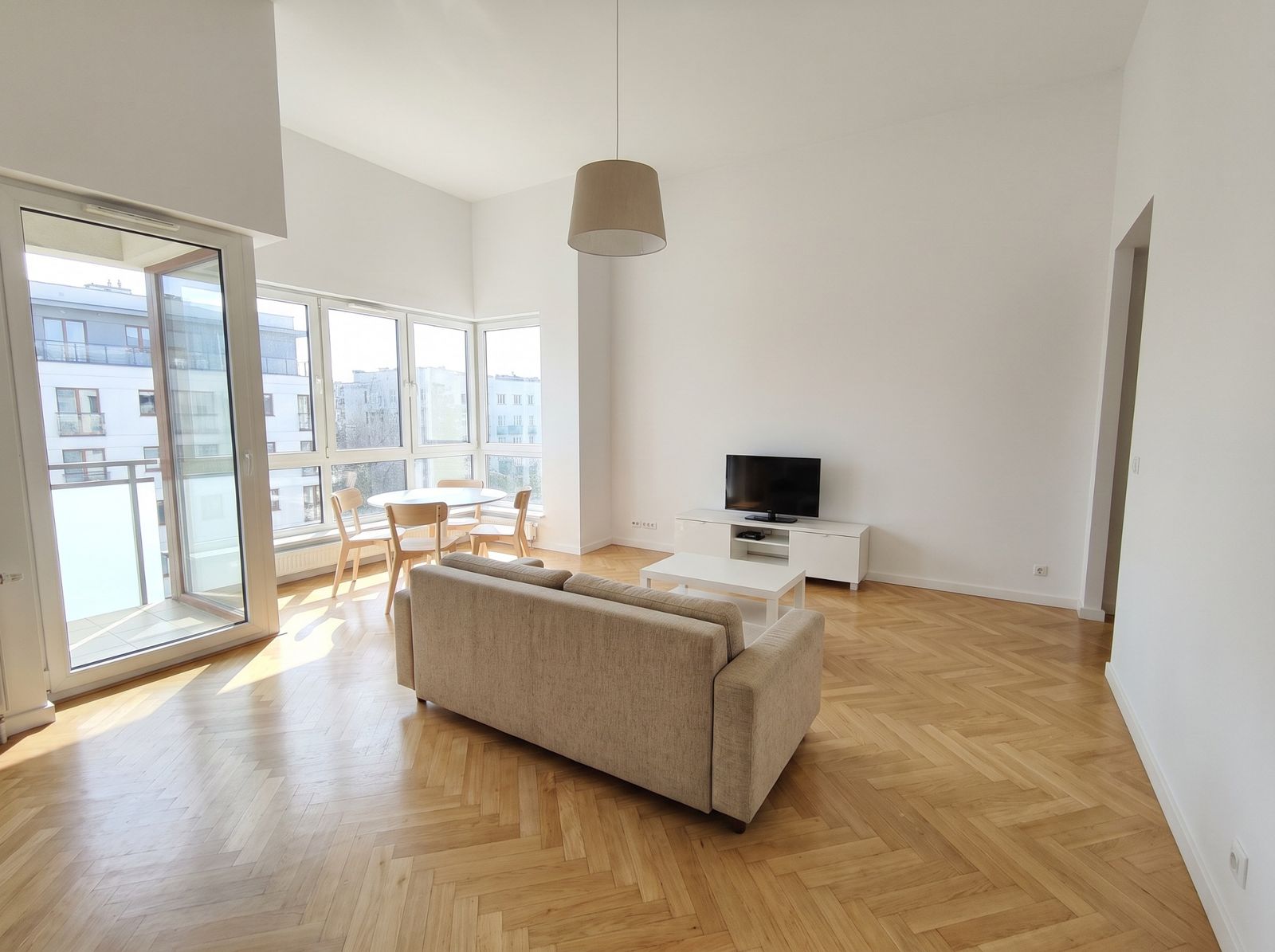
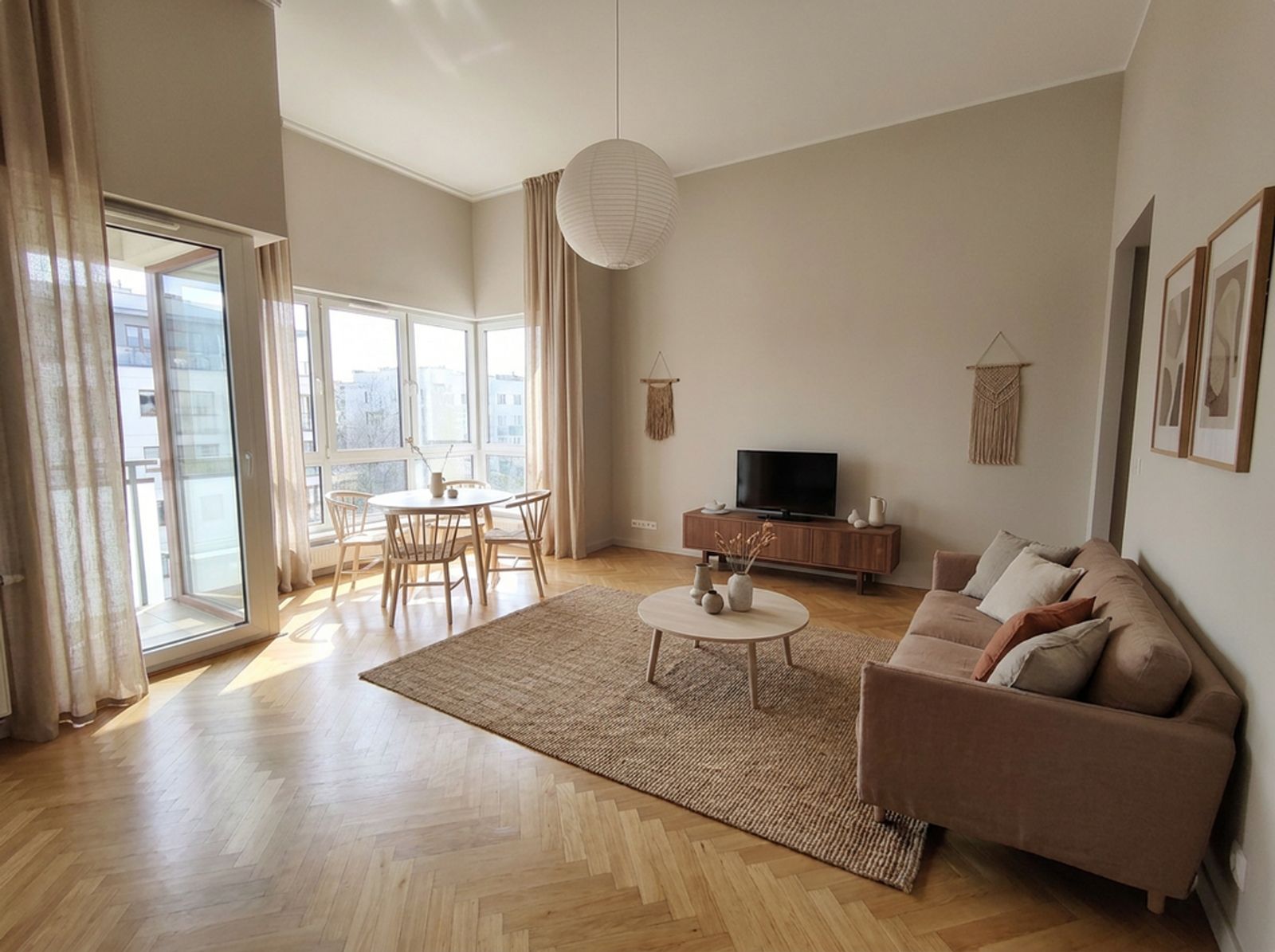 Japandi
Same space. Many possibilities.
Short before-and-after animations. In Redomium you can make a video like this from any change and show it to a client or your family.
Design it your way.
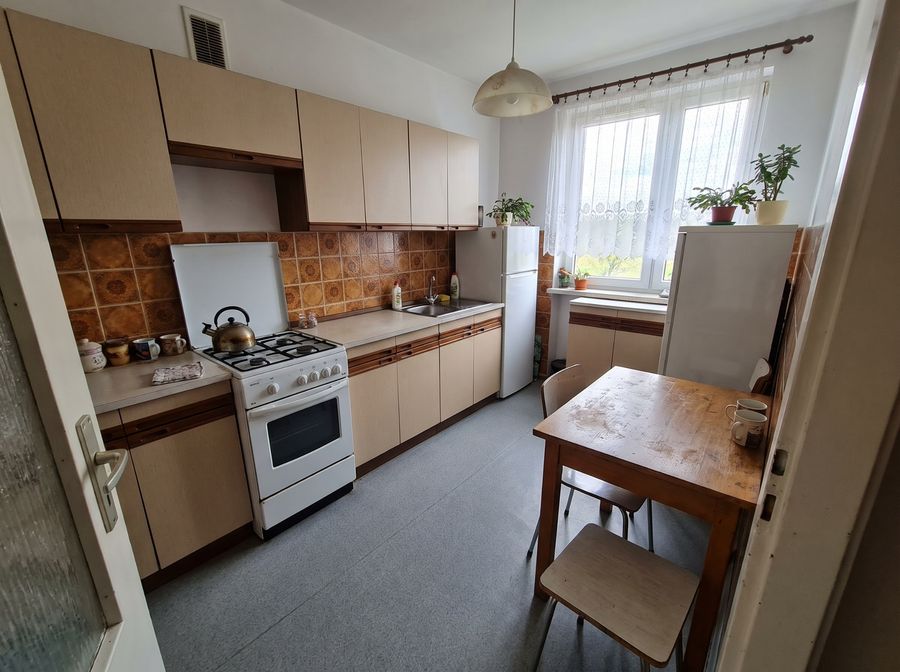
Select something in the photo and say what to change — or pick from ready-made suggestions.
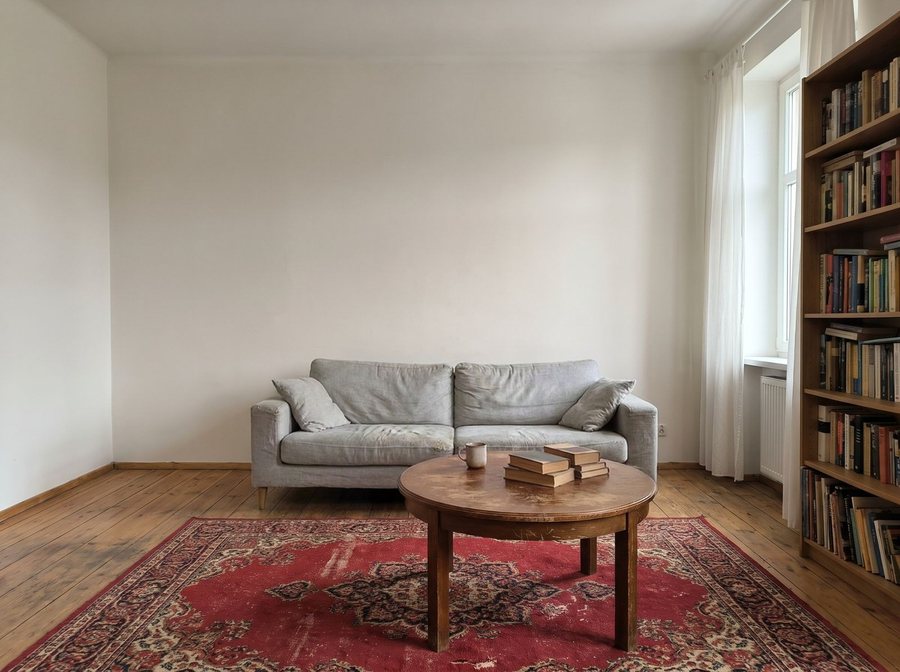
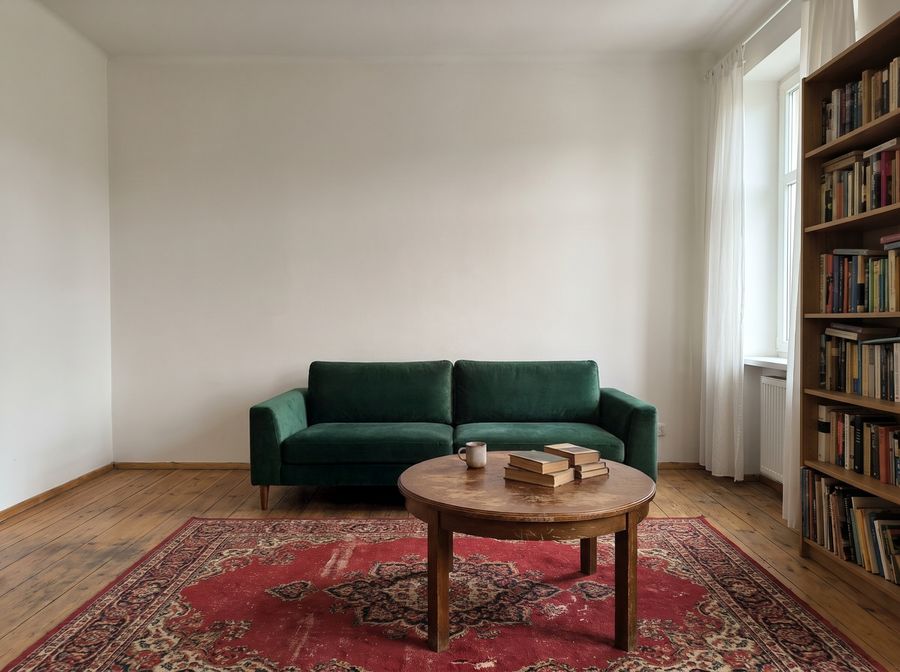
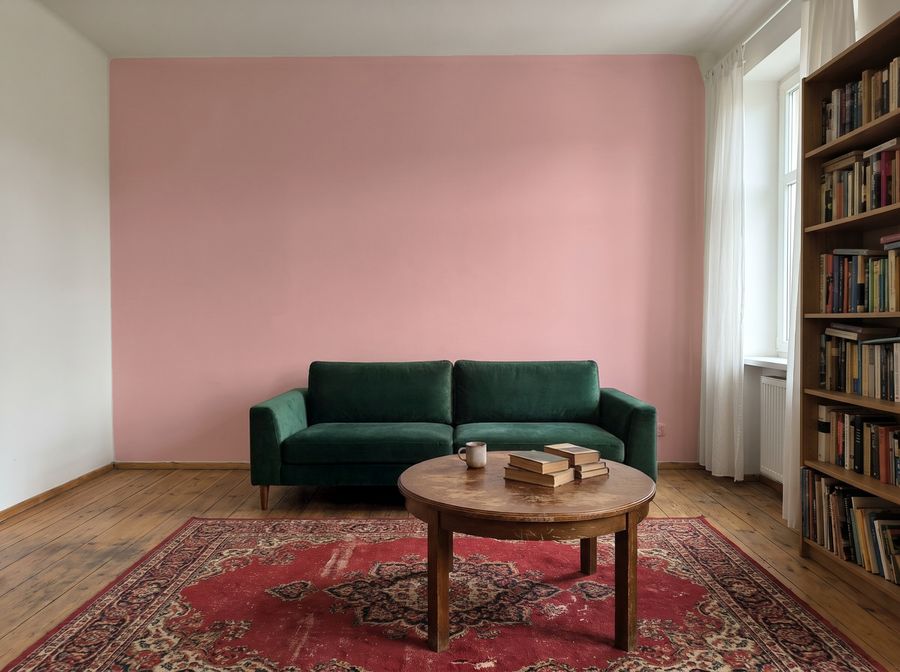
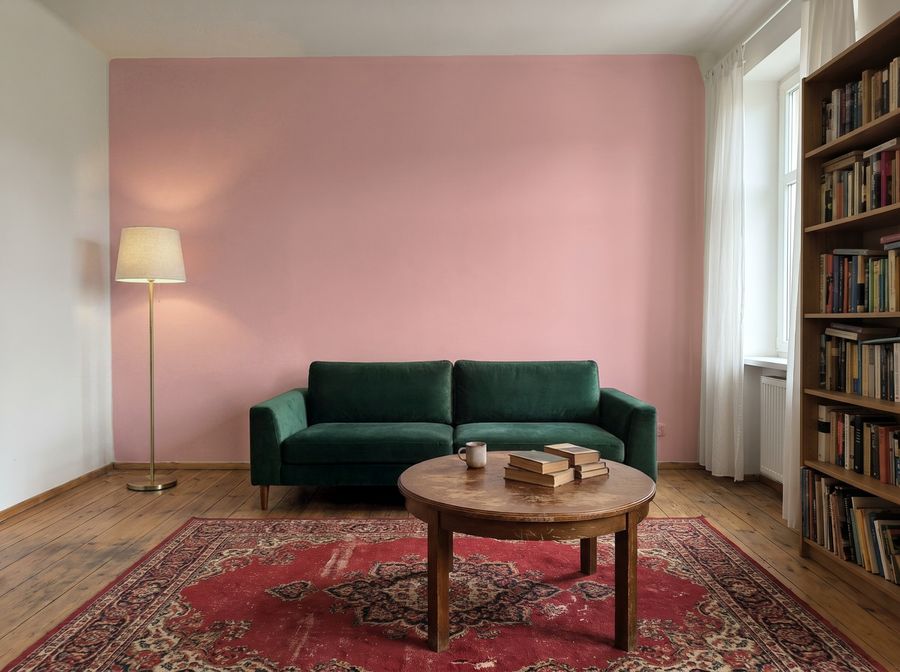
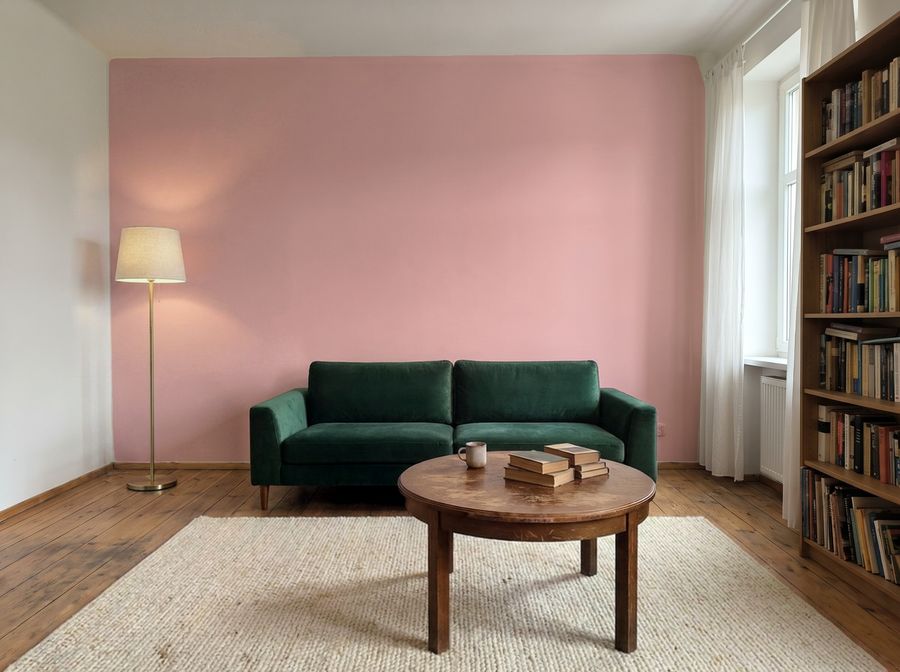
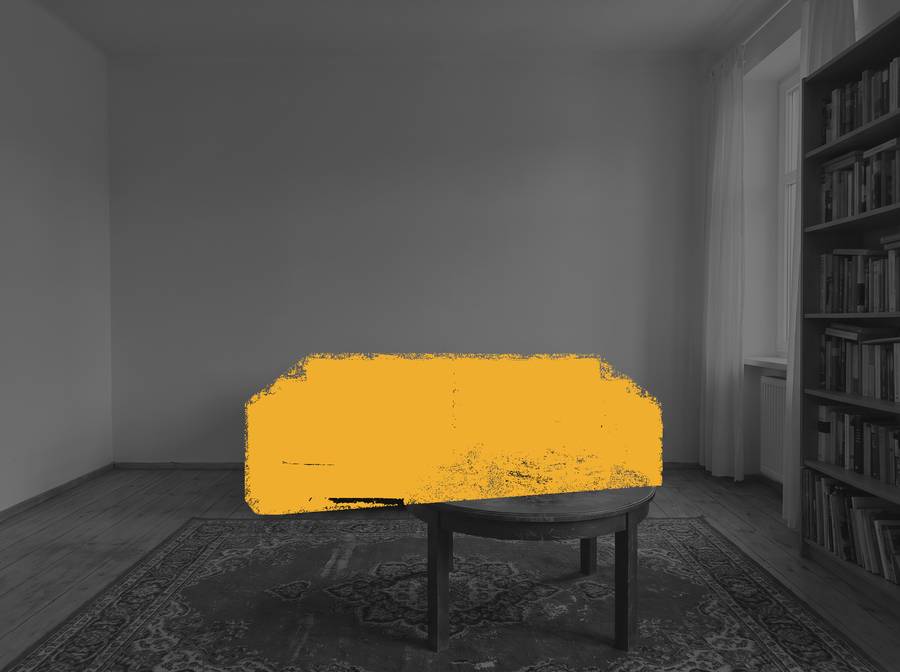
Each change touches only what you selected — the rest of the photo stays as it was. Floors, tiles and wallpaper work the same way.
Try it on your photoHow does it work?
From a photo to a new interior in three steps.
 1
Add a photo
Take one with your phone or pick a sample room.
- 2
Describe the changes
Select the cabinets, a wall or the floor and type what should change.
 3
See the result
Compare variants, download 4K images and a shopping list.
Your interior in 3D.
Film the room with your phone and walk through its model. Paint the walls and place catalogue furniture at real size before you buy anything.
Open the 3D studioInspiration
Rooms changed in Redomium — each from a single photo.
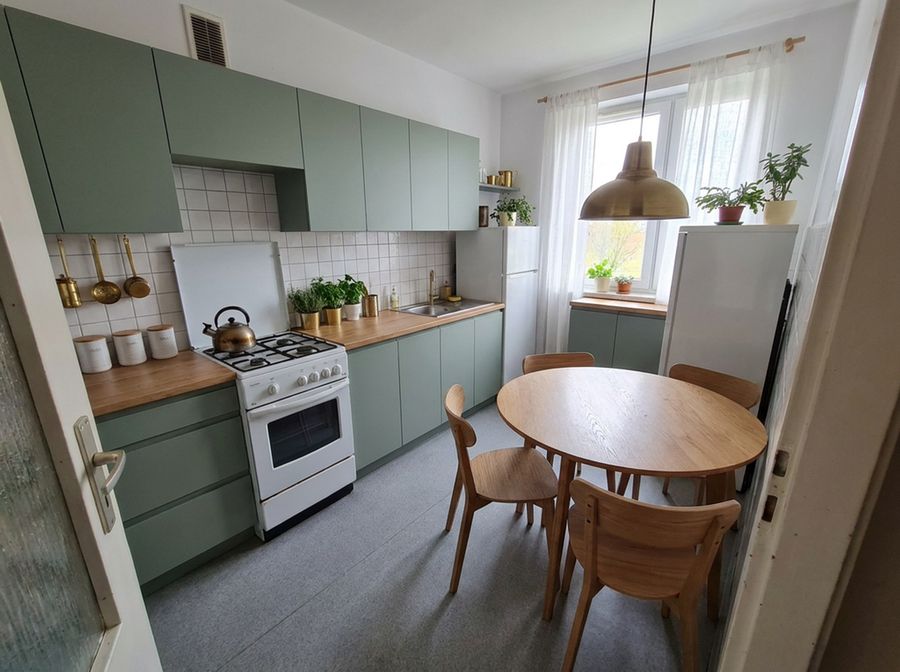
Kitchen · sage and oak 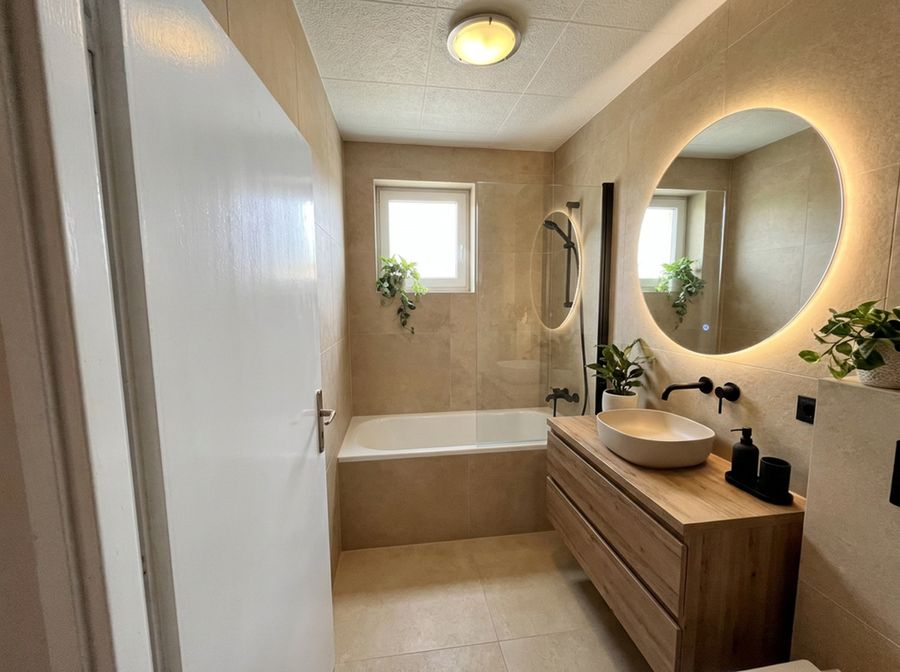
Bathroom · pale stone and wood 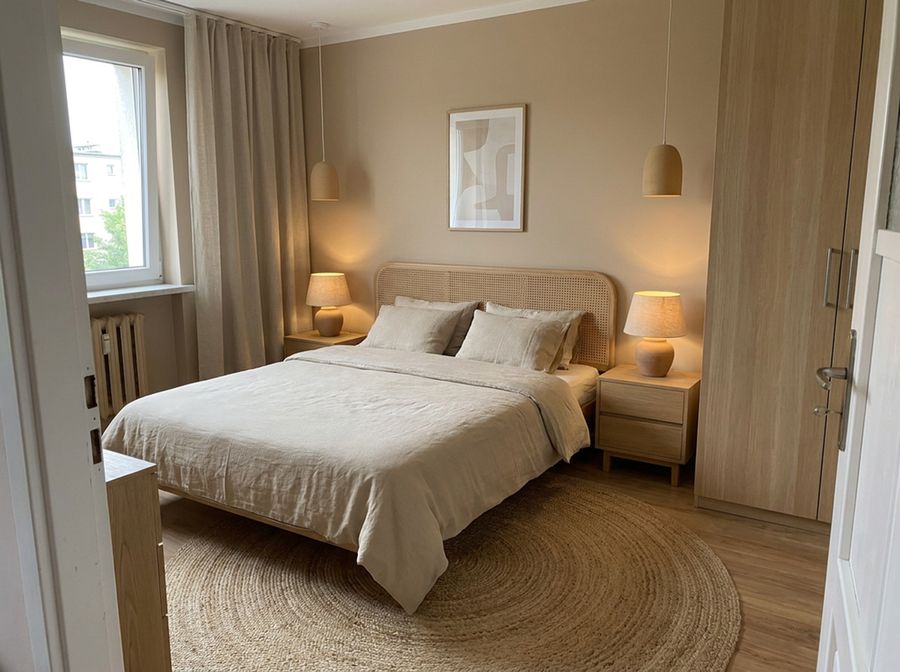
Bedroom · linen and jute 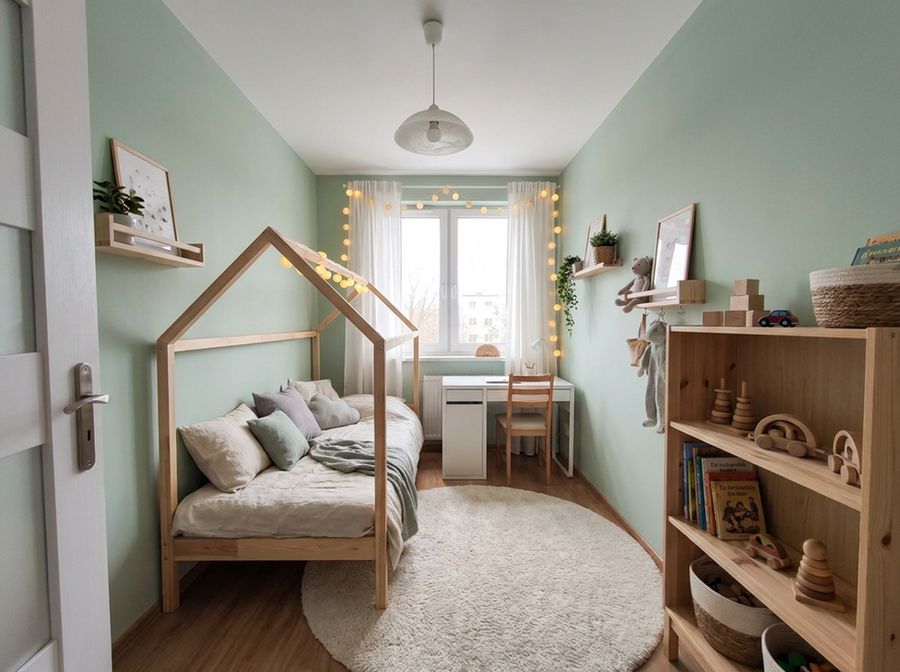
Children’s room · mint and pine 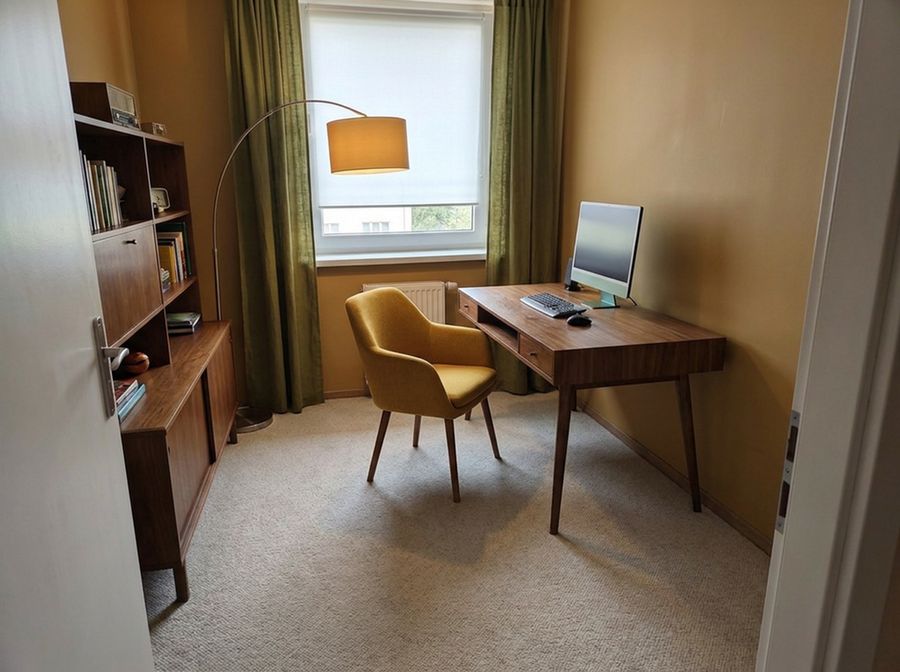
Home office · mid-century 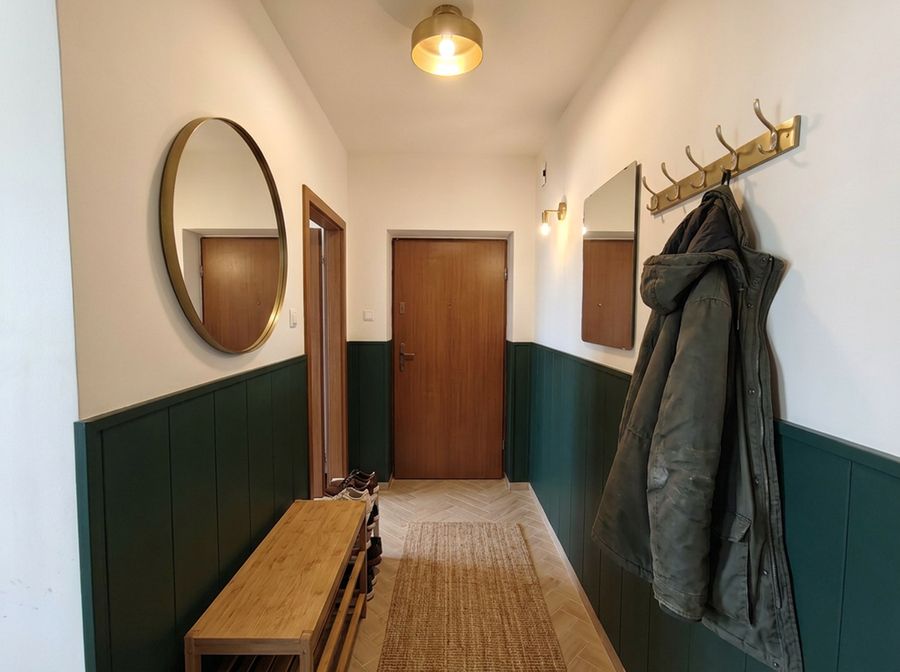
Hallway · bottle green 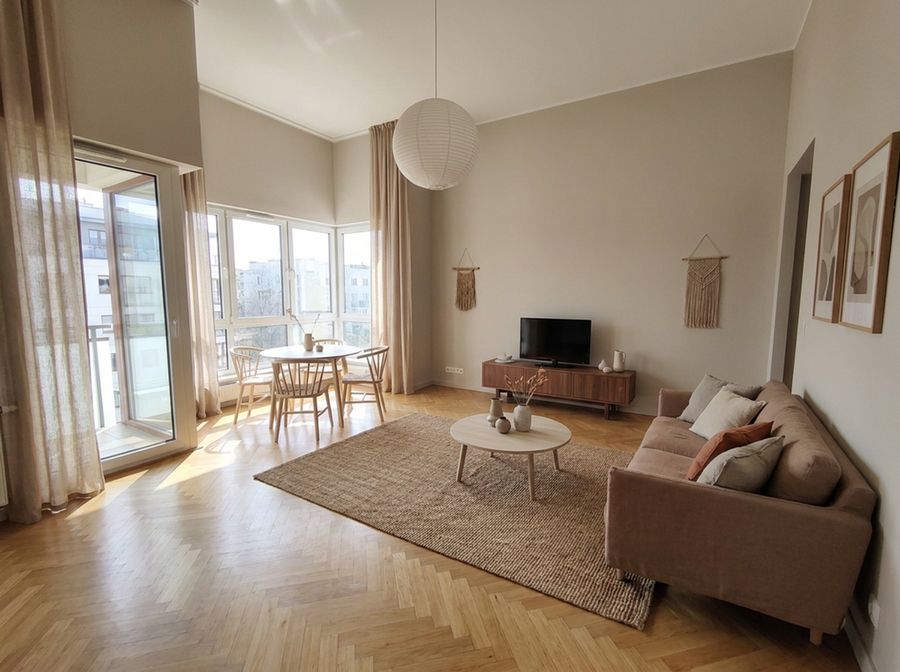
Living room · Japandi 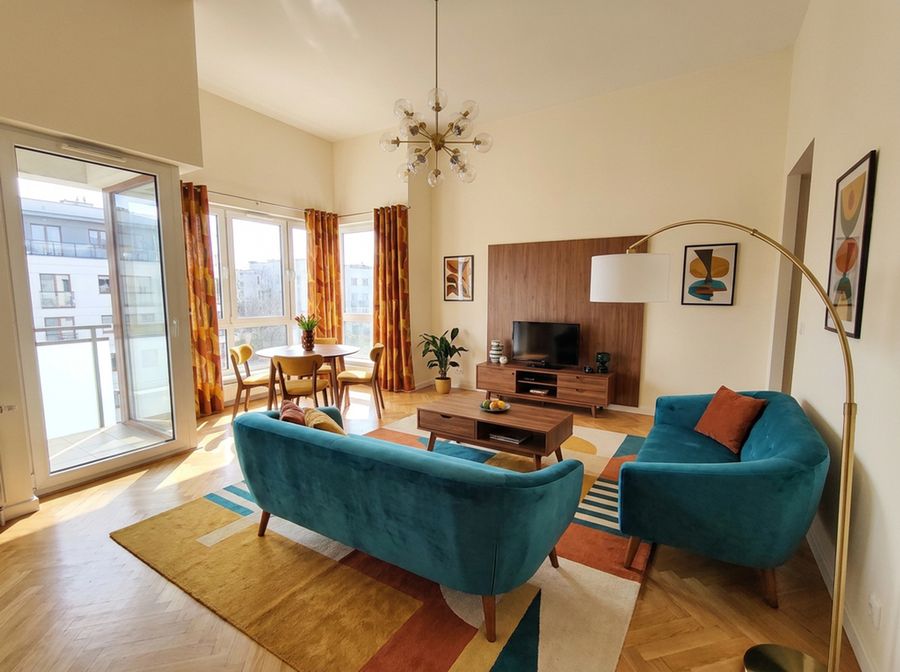
Living room · mid-century 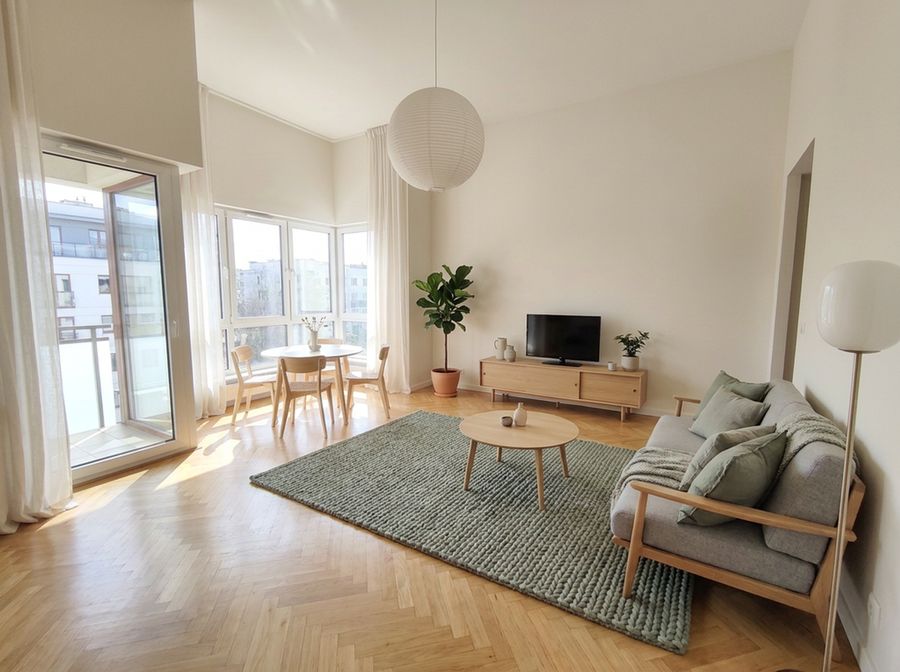
Living room · Scandinavian 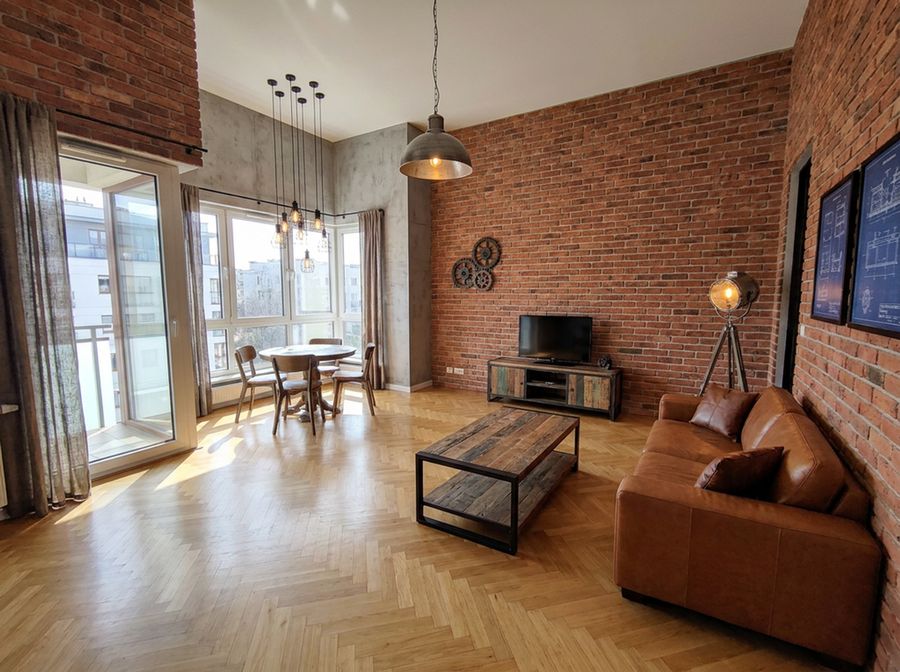
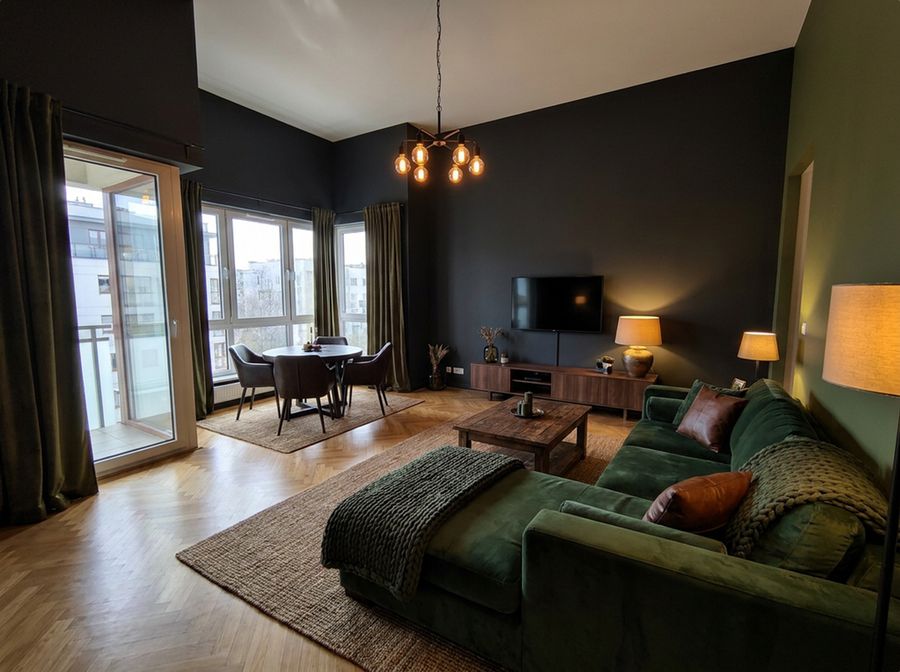
Living room · industrial
Simple, clear pricing.
You pay in credits — only for AI work. RAL colours, before-and-after videos, PDF and Excel never use credits.
Free trial
€0
5 credits
- Photo edits, RAL colours and 3D from photos
- No card, no account
Room
€19 one-off
40 credits
- One renovation from idea to shopping list
- Before-and-after videos
- Credits valid for 12 months
Home
€15 per month
40 credits every month
- For bigger renovations
- Cancel at any time
Credits per AI action
- A change on a photo
- 1
- 4K export
- 1
- “Photo from here” in 3D
- 1
- AI animation 5 s / 10 s
- 4 / 8
- Detailed 3D model from a video
- 8
We’re in beta: AI edits are free for now, and you can already buy credits — you’ll need them once the beta ends. Features marked “coming soon” are in progress. Prices include VAT for consumers and exclude VAT for businesses. In the studio, product prices are shown in the shop’s currency (Polish shops: PLN); totals, budget and cost estimate are in PLN, and prices in other currencies are shown separately.
FAQ
Do I need to create an account?
No. Without an account, projects are saved in your browser on this device. With a free account they are also saved on the account, so you can open them on your computer and your phone.
What does “the rest of the photo stays untouched” mean?
After every edit we compare the new photo with the original. A change may only affect the selected area and its edge — if it goes further, we reject the result. The exception is a whole-room style change: the decor changes, while windows, doors, built-ins, people and pets stay where they are.
How long does one change take?
Usually 20–70 seconds. A RAL colour on a wall appears instantly, because we calculate it locally, without AI.
What about quality and resolution?
We edit photos at a resolution of up to about 2K, and the 4K export is produced by AI upscaling. The result is a visualisation — great for decisions and presentations, but not a substitute for construction drawings.
Are the dimensions from the 3D model accurate?
A model built from photos or video gives approximate dimensions, with an error of a few per cent — check key dimensions with a tape measure. An iPhone Pro scan (app coming soon) is usually accurate to within a few centimetres.
What happens to my photos?
To make an edit, the photo is sent to AI providers: fal.ai (image editing) and Anthropic (understanding your request). fal.ai deletes uploaded photos after 7 days. Without an account the project is stored only in your browser; when you sign in, it is also stored on your account (servers in Ireland). You create the client link yourself and can delete it at any time. Details in the privacy policy.
Can I use the visualisations in a property listing?
Yes. It’s good practice to label the photo as a visualisation, so buyers know what is actually in the property.
Does it work on a phone?
Yes. Redomium runs in the browser and can be added to your home screen. You can move photos from your phone into a project on your computer by scanning a QR code.
Time for a change?
Upload a photo of your room and describe your first change. No sign-up, no cost.