Sweet Home 3D alternative Sweet Home 3D or Redomium — which to choose?
Sweet Home 3D is a free program for floor plans and simple 3D. Redomium gives a realistic visualisation on a photo of your room.
Free, no account — results in about a minute.
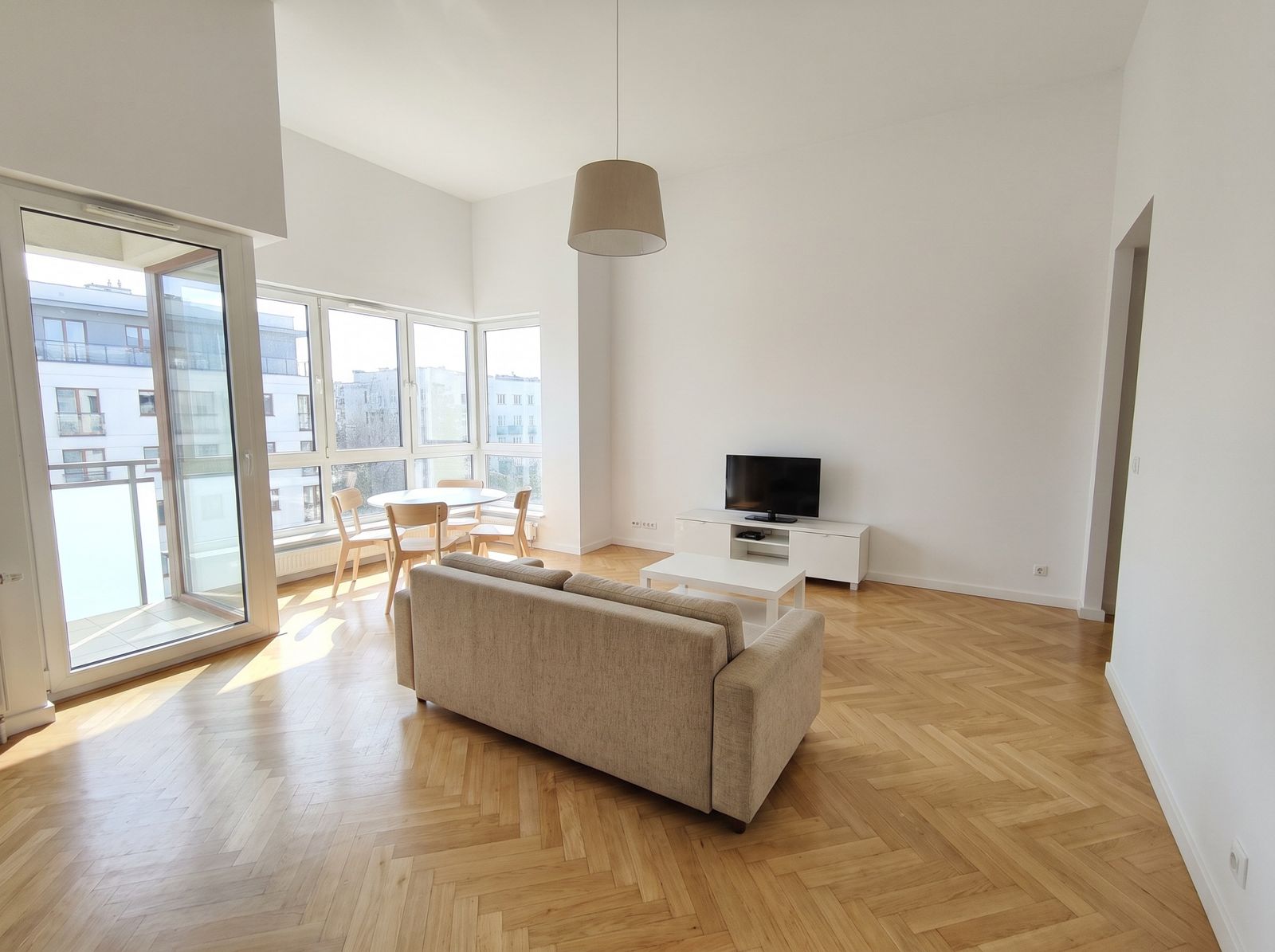
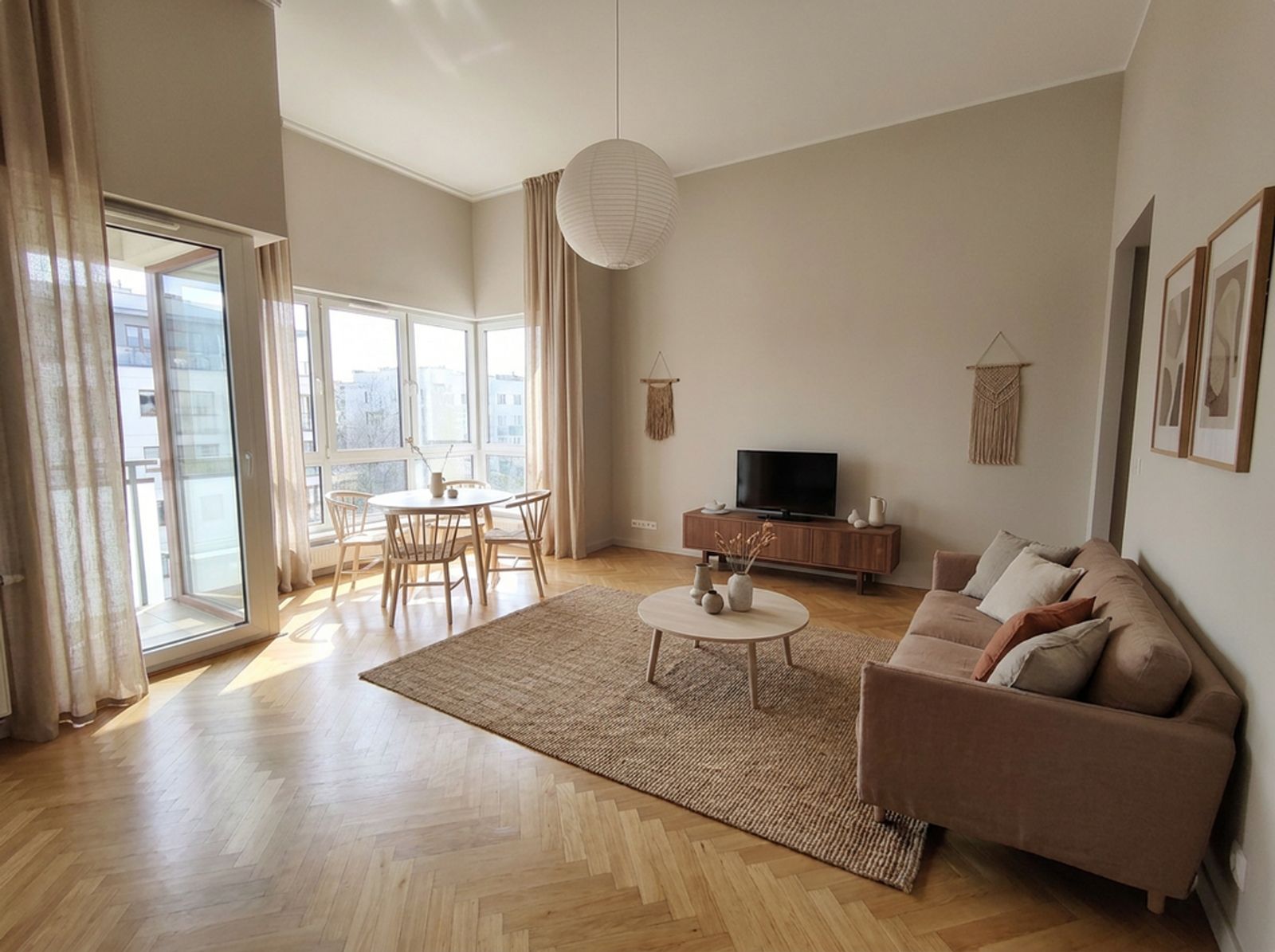
What Sweet Home 3D is
Sweet Home 3D is a free open-source program (GNU GPL) for drawing 2D floor plans and viewing them in 3D. It runs on Windows, macOS and Linux, with a browser version and mobile apps too. It has a furniture model library and exports to 3D formats.
How Redomium differs
- A realistic result on a photo of your room, not a model built from ready shapes.
- Change one element or the whole room’s style with a prompt, no modelling.
- Real shop products with prices, a shopping list and an estimate.
- AI floor plans: walls traced from a plan image, scaled PDF and DXF export.
When Sweet Home 3D is better
When you want a free program for precise floor plans and like working offline on a computer.
When Redomium is better
When you care how the room will really look — colours, light, materials — and want to know straight away what to buy.
How to do it on your own photo
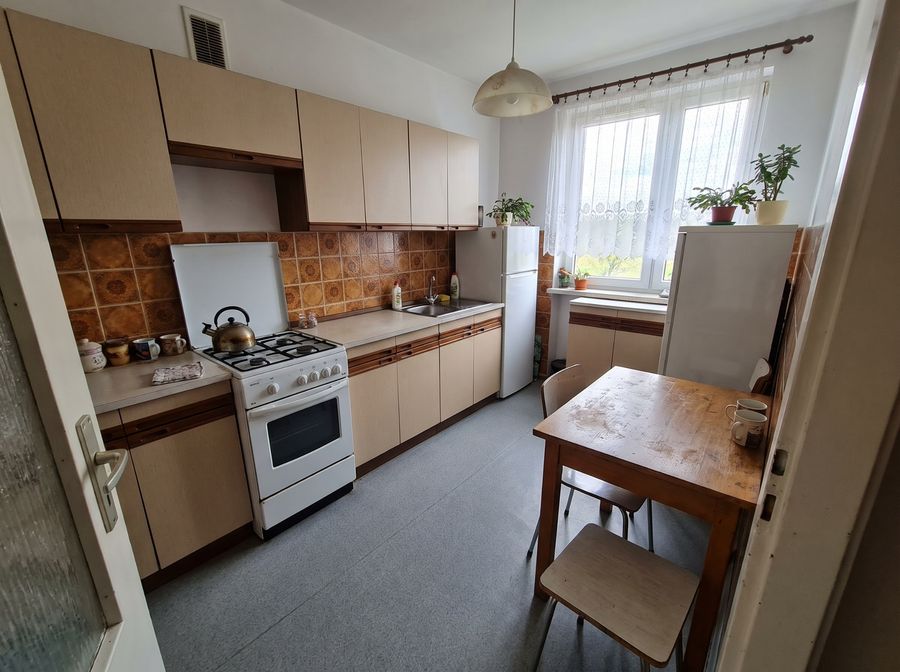
Add a photo
Take one with your phone or pick a sample room.
Describe the changes
Select the cabinets, a wall or the floor and type what should change.
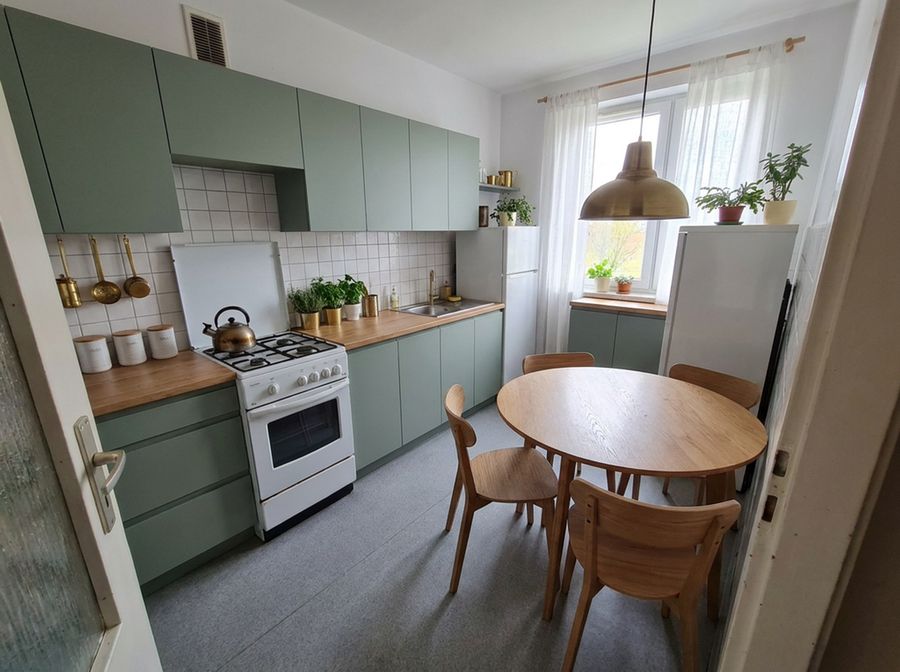
See the result
Compare variants, download 4K images and a shopping list.
FAQ
Does Redomium work offline?
The studio opens without a connection and projects are stored in the browser, but AI changes need the internet.
Can I export a plan to CAD?
Yes, to DXF (millimetres, with layers) and to a scaled PDF.
Is Redomium free?
You can start free, with no account. You pay credits only for AI work.
See also
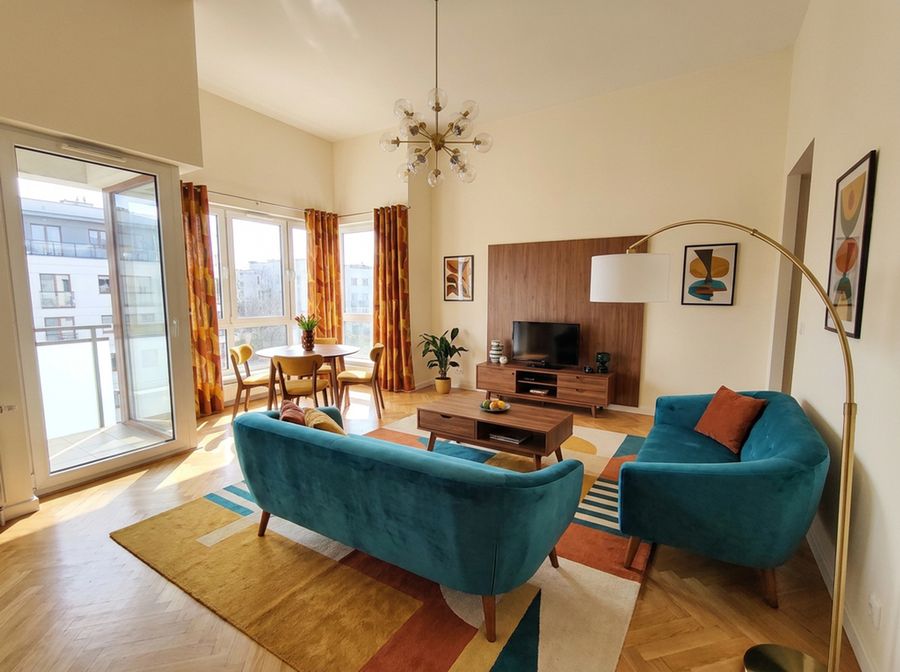 Planner 5D alternativePlanner 5D builds a room from scratch out of ready 3D models. Redomium changes your real room on a photo. See which approach suits you.
- IKEA planner alternativeIKEA planners help you pick specific IKEA furniture. Redomium shows the whole room after the changes — with products from different shops.